What is a Kiosk Ordering System and How It Works
Ordering in restaurants has evolved from manual processes led by standing in long lines and staff taking orders to intuitive and connected digital systems that manage everything from menu interaction to kitchen coordination in real time.
What appears simple on the surface is actually a synchronized and smooth flow between several elements, like POS systems and kitchen operations.
We can see this shift working quickly as it’s growing industrially. The global self-service kiosk market is actually expected to soon exceed $39 billion by 2035. This highlights how widely these systems are being adopted across the food service sector.
As a result, restaurants today rely on more workflows led by software to maintain speed and consistency. Today, in KioskSys’ blog, we’ll explore kiosk ordering systems for restaurants and what they can do for your business.
What is a Kiosk Ordering System?
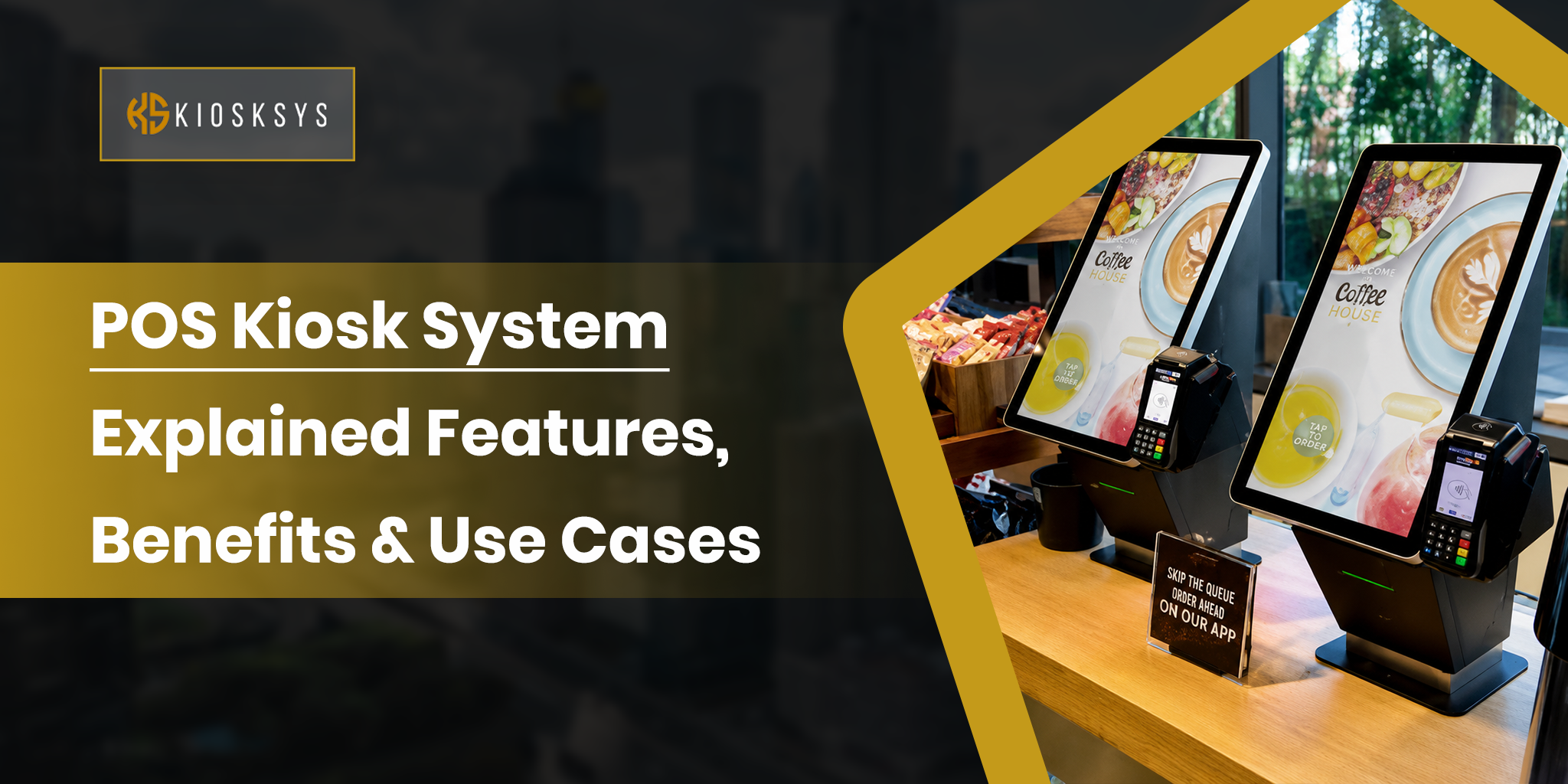
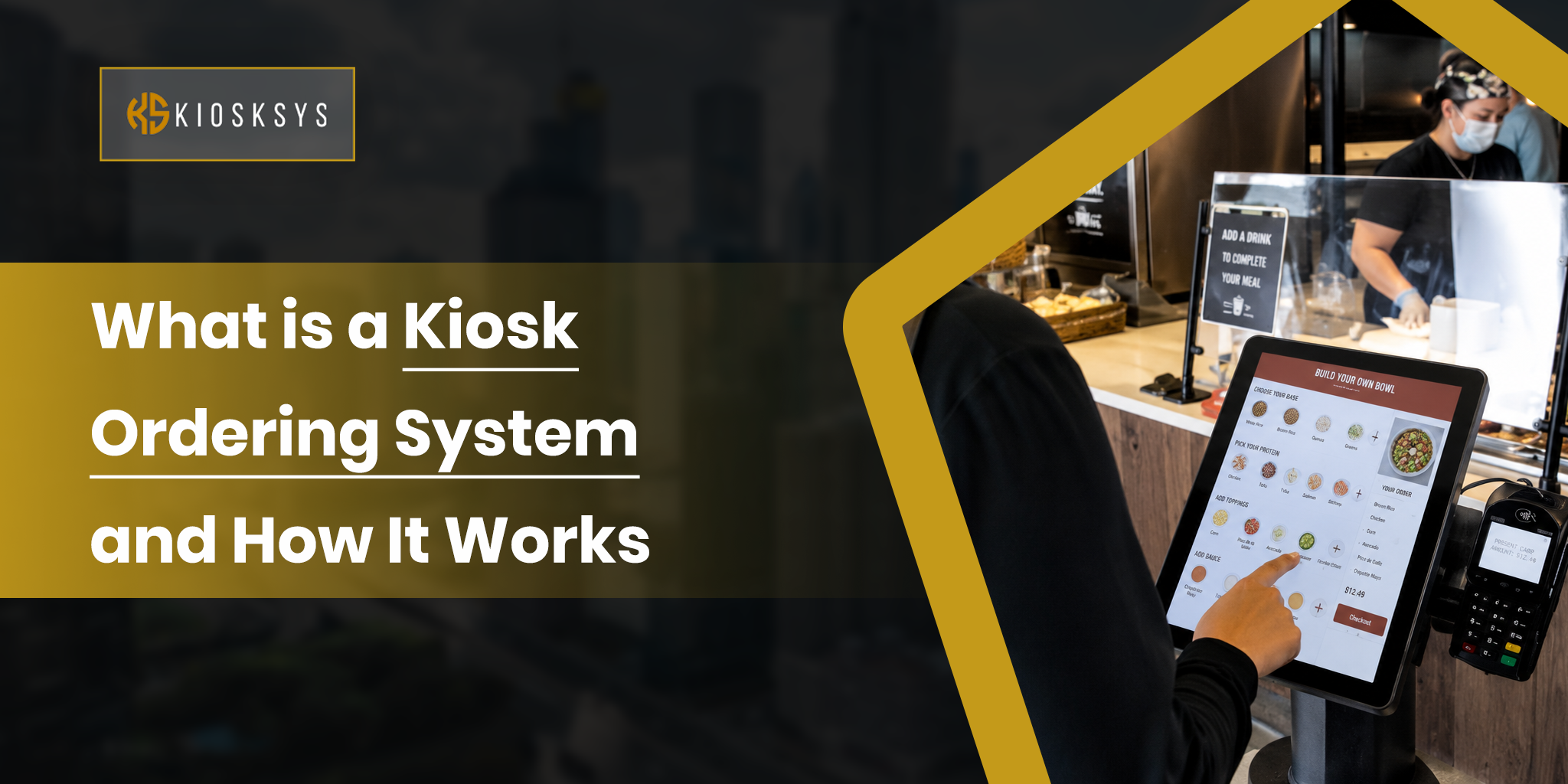
A kiosk ordering system is a digital ordering touchscreen that is set up in restaurants. Using it, customers place and pay for their orders. People of all ages are able to do this through a self-operated touchscreen interface instead of relying on staff at the counter.
Behind this simple interaction is a connected software flow that links the kiosk to the:
- Restaurant’s POS system
- Payment gateway
- Kitchen display system
Every order entered on the screen is processed live, right there at the moment. This easily makes sure that:
- Menu availability
- Pricing
- Modifiers
- Order details
Stay fully synchronized across the entire operation.
How Does a Kiosk Ordering System Work? (Step-by-step)
A kiosk ordering system works as a real-time connection between the customer interface and the restaurant’s backend operations. While it feels simple to use, each order goes through a structured digital flow to ensure accuracy and speed.
Below, we’re explaining that process to you:
1. Customer Interaction
The process begins when a customer walks up to the kiosk and interacts with the touchscreen’s interface. Here, they perform some simple actions:
- They browse the menu
- They select the items they want to get
- They customize their order, like toppings or add-ons
- Finally, they review everything before confirming
These are the front-facing operations that a customer performs; they’re specifically designed for ease and speed.
2. Order Routing
Once the order is confirmed, the system instantly sends the data to the restaurant’s POS system and internal order management software. At this stage, the system validates a few things, such as:
- Menu availability
- Pricing rules
- Any active promotions before finalizing the order details
3. Payment Processing
Moving forward, the kiosk processes payment through an integrated gateway. This can easily include:
- Cards
- Mobile wallets
- Other digital payment methods
The transaction is verified in real time, and once approved, the order moves forward in the system.
4. Kitchen/Fulfillment
Finally, the order is pushed directly to the kitchen display system (KDS) or printer. The kitchen team receives a clear, structured order ticket. This ensures that preparation begins immediately without manual input or delay. From here onwards, the order is:
- Prepared
- Packed
- Handed over for delivery or pickup
What are the Key Components of a Kiosk Ordering System?
A kiosk ordering system is a lot more than a simple screen placed in a restaurant. It’s actually a combination of connected hardware and software layers. They work together quite closely in order to handle ordering and restaurant operations in real time.
Touchscreen UI
This is the customer-facing interface that we talked about above. Without this component, nothing would work at all. Here, all the interactions happen. It displays the menu and guides users through the ordering process. A well-designed UI focuses on speed and minimal friction so customers can complete orders without any assistance.
Payment Terminal
The payment component handles secure transactions directly on the kiosk. It supports multiple methods, such as cards and contactless payments. Which people mostly prefer, too. This layer is tightly integrated to make sure of instant payment validation and smooth order confirmation.
Backend POS Integration
This is the main connection point between the kiosk and the restaurant’s operational system. It syncs orders, inventory, and other necessary components in real time. Without strong POS integration, order flow becomes fragmented and becomes prone to errors.
Remote Management Software
This layer allows restaurant owners or operators to manage their kiosks remotely. It enables easy and quick menu updates and system monitoring. They can even track the kiosk’s performance across one or multiple locations without even needing a single adjustment by having to go on the site.
What are the Features that a kiosk ordering system should have?
A well-built kiosk ordering system is way more than a digital menu. Basically, it’s a combination of usability and backend intelligence that directly impacts both customer experience and the smooth efficiency of restaurant.
Intuitive User Interface
The interface should be simple and easy to navigate for all types of customers. Clear menu layouts and minimal steps to complete an order are essential to reduce friction and improve order speed.
Integrated Payment Options
A strong kiosk system supports multiple payment methods such as cards, mobile wallets, and contactless payments. The goal is to make checkout seamless, secure, and quick without requiring staff involvement.
Smart Upselling & Promotions
Modern kiosk systems are designed to increase order value through smart suggestions. This includes add-ons and promotional prompts. They appear naturally during the ordering process without disrupting the experience. This way, people don’t feel like they are forced into it.
Loyalty & Data Analytics
Built-in loyalty features help restaurants retain their customers through rewards or membership programs. At the same time, analytics tools provide insights into ordering behavior and menu performance to support better growth and decisions.
POS & Kitchen Integration
Seamless integration with POS and kitchen systems ensures that every order flows instantly from the kiosk to the backend. This reduces errors because things are not being managed manually. It also keeps operations synchronized during busy hours.
Should You Get a Kiosk Ordering System For Your Restaurant?
Whether you should get a kiosk ordering system really comes down to what your restaurant feels like during busy hours.
If you’ve ever had that rush where the:
- Counter is packed
- Orders are coming in fast
- Your staff is trying to keep up while also staying accurate
- People start leaving, looking at the rush
That’s usually where kiosks start to make sense. They take a lot of pressure off the front line and let customers handle their own ordering at their own pace. This honestly makes things calmer for everyone.
But it’s not something every restaurant needs right away. If your setup is small or built around personal interaction, a kiosk might feel more like an extra than a necessity.
Conclusion
A kiosk ordering system ultimately changes how ordering decisions move through a restaurant by shifting part of that process directly to the customer. Beyond just making operations smoother, it also gives clearer visibility into customer behavior and ordering patterns.
For many restaurants, the real value lies in how it reshapes the flow of interaction rather than just speeding it up.