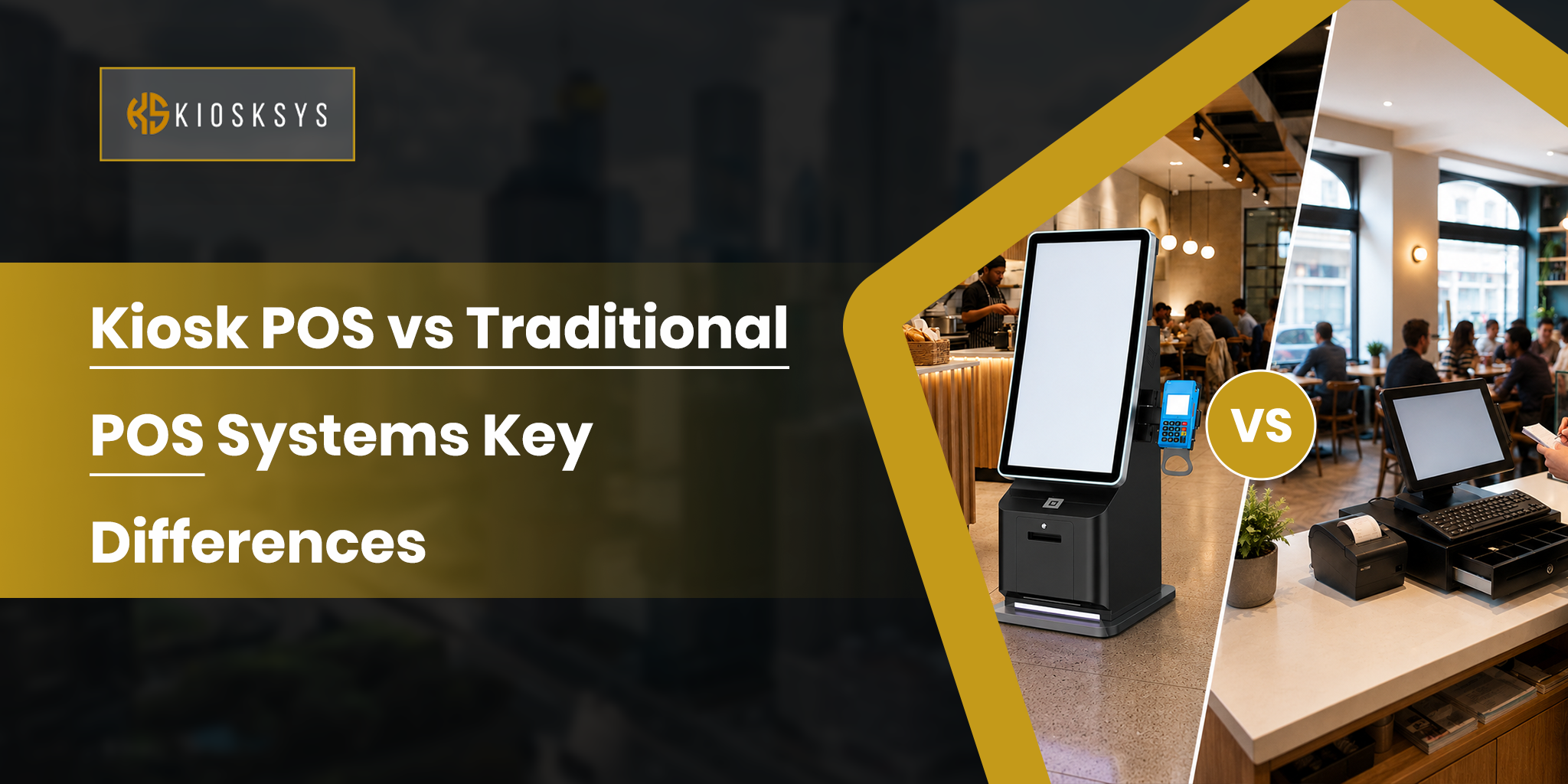
Kiosk POS vs Traditional POS Systems: Key Differences
Modern businesses need trustworthy point-of-sale systems that do more than simply process payments. Today’s POS solutions play a major role in shaping the whole customer experience. Additionally, they have a heavy impact on the operational productivity and overall growth of businesses.
As industries continue adopting automation and self-service technologies, many businesses are now comparing a self service kiosk POS system with a traditional POS system. They’re doing so in order to determine which model fits their needs most suitably.
While both systems are designed to manage small and heavy transactions and support daily operations, they differ significantly in many ways. In this guide, we’ll highlight the key differences between kiosk POS and traditional POS systems and help you identify the right solution for your business goals.
What is a Kiosk POS?
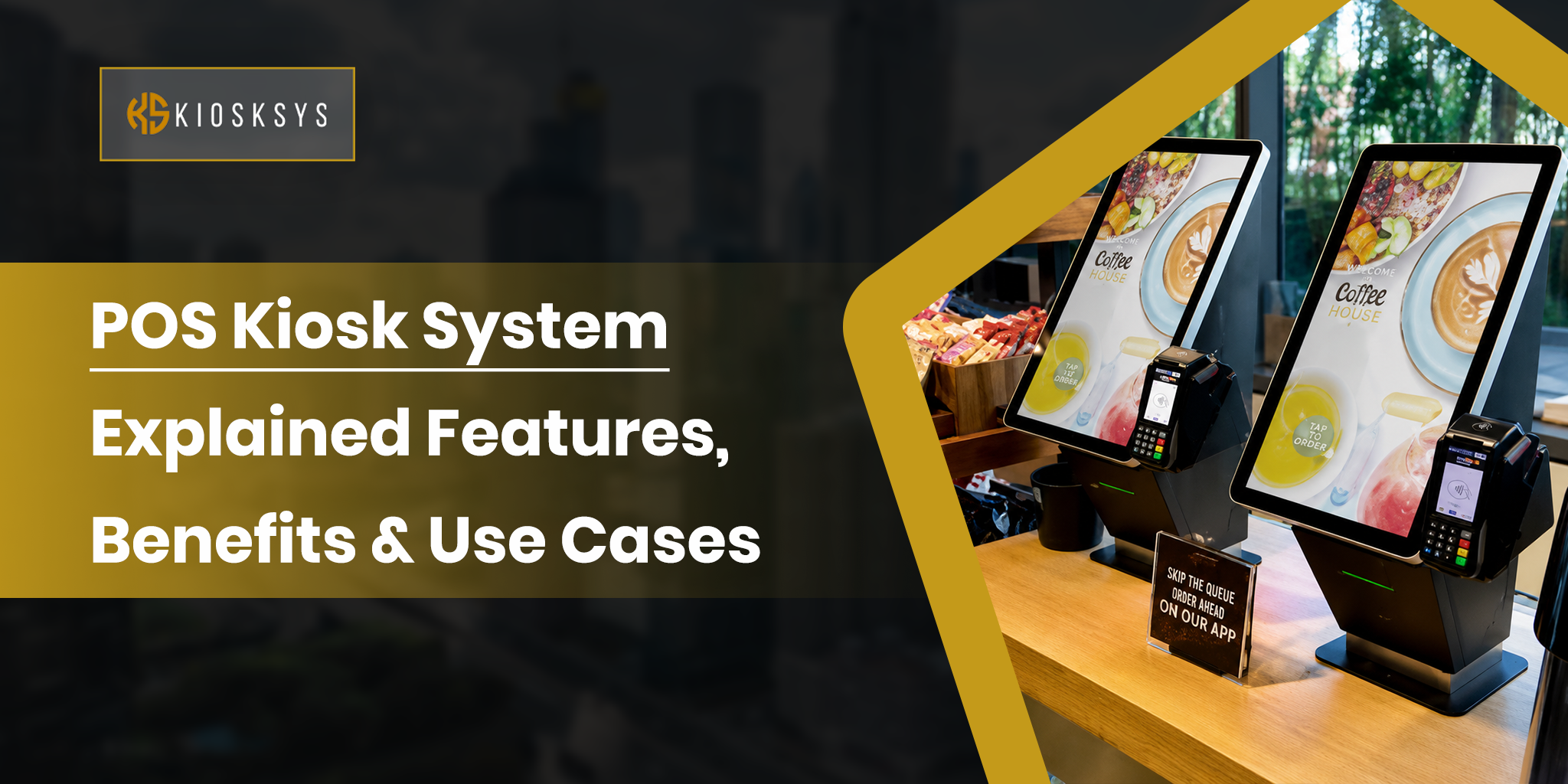
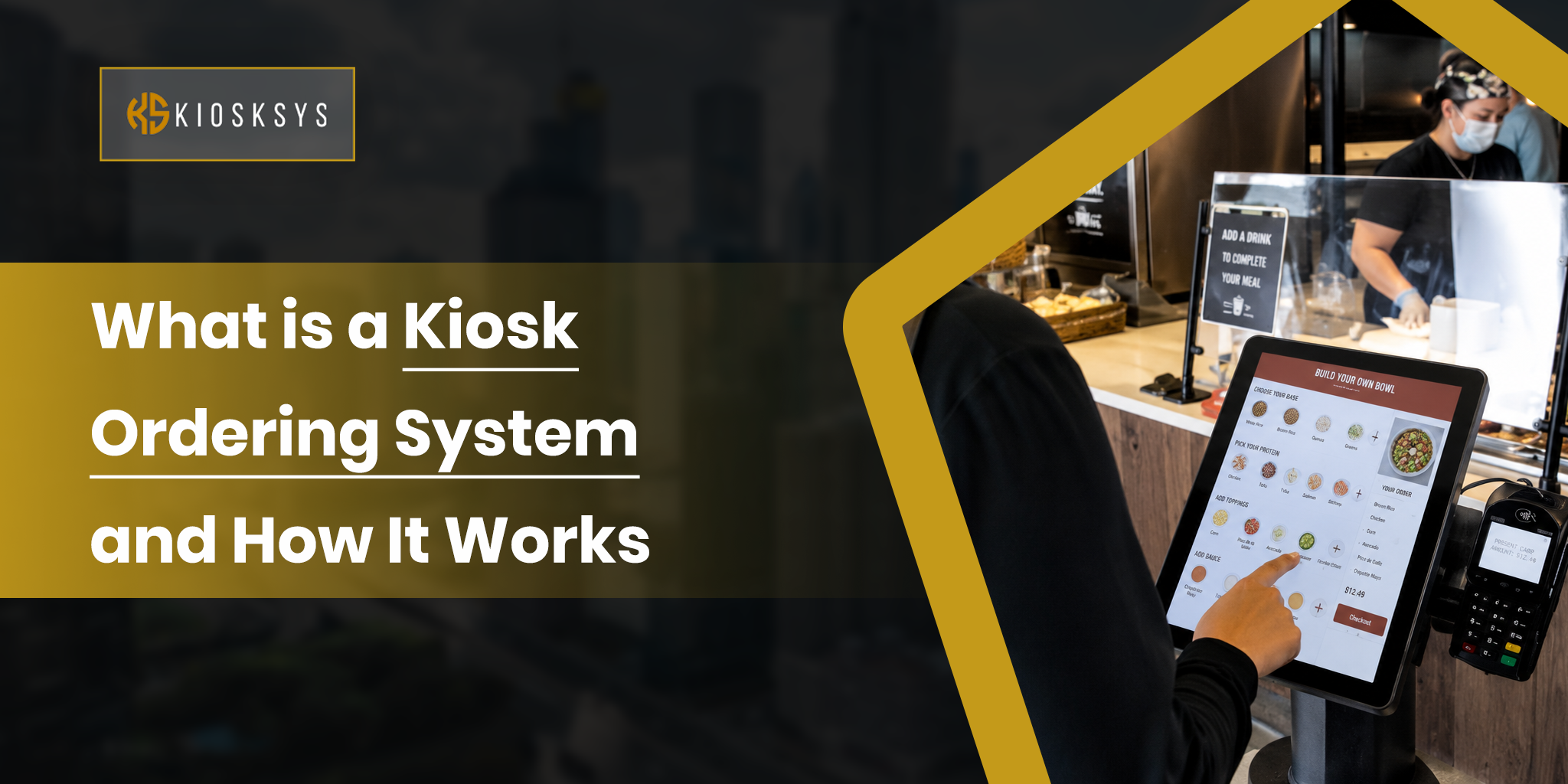
A kiosk POS is basically a self-service point-of-sale system. Its purpose is very similar to traditional POS systems. They allow customers to browse products or services and place orders right away. Some may even call them an introvert’s dream, this is because they even allow people to complete payments without needing assistance from the staff.
It typically combines a few things into a into one point that is fully automated. This includes:
- A touchscreen
- Payment processing tools
- Software integrations
- A user-friendly interface
These systems are commonly used in:
- Restaurants
- Retail stores
- Cinemas
- Airports
- Healthcare facilities
- Public spaces
All these environments are the ones where speed and convenience matter a lot.
Technically, in a kiosk POS, the focus shifts much of the process to the customer. This creates a faster transaction flow while reducing queues during busy hours.
What are the Essential Features of a Kiosk POS System?
Beyond just simple payment processing, modern kiosk POS systems often include fun and unique features in them too. This includes features such as:
- Inventory syncing
- Loyalty program integration
- Real-time analytics
- Upselling prompts
- Multilingual support
For businesses that are looking to improve their operations in almost every way, Kiosk POS systems work wonders. They reduce repetitive workloads and offer a modern customer experience as a wonder of the modern world.
What is a Traditional POS?
A traditional POS is a point-of-sale system that is operated by a human staff member. This means that it is used to process transactions initiated by customers at a checkout counter or service desk by a skilled cashier. It typically includes things like:
- A cash register
- Barcode scanner
- Receipt printer
- Card reader
- A computer or terminal running POS software
These traditional POS systems are widely used in places like:
- Retail stores
- Restaurants
- Supermarkets
- Salons
- Many other service-based businesses
Unlike self-service kiosk models, a traditional POS relies on employees to guide the transaction process. Staff members scan items and issue receipts while assisting customers directly.
What are the Essential Features of a Traditional POS System?
Modern traditional POS systems often go beyond basic payment processing, too. Many include:
- Inventory management
- Sales reporting
- Employee tracking
- Customer data management
- Integration with accounting or ecommerce platforms
For businesses that value human interaction and provide fully hands-on service, traditional POS systems remain a dependable and widely used solution. In many cases, they are the preferred method by both users and businesses.
Kiosk POS vs Traditional POS Systems: What are the Key Differences?
While both kiosk POS and traditional POS systems are designed to handle transactions and support business operations, they serve customers in very different ways. The right choice often depends on several factors. Below are the key differences businesses should understand before investing in either solution.
Customer Interaction
A kiosk POS is built for self-service. Customers independently perform everything from browsing to making payments.
A traditional POS depends on employee-assisted service. Staff members interact directly with customers and complete payments on their behalf.
Speed and Queue Management
Kiosk POS systems are often better for handling high customer volumes because multiple users can place orders quickly without waiting for a cashier.
Traditional POS systems can slow down when customer traffic increases, especially if there are limited checkout counters or fewer staff members available.
Labor Requirements
A kiosk POS can reduce the unwanted pressure on the staff present at the front desk. It does so by automating repetitive ordering and payment tasks.
Traditional POS systems require dedicated staff to manage transactions continuously. This obviously increases dependency on staff and the costs.
Customer Experience
Kiosk POS systems appeal to customers who prefer speed and control over their transactions.
Traditional POS systems are ideal for customers who value human interaction or assistance during purchases.
Setup and Hardware
A kiosk POS usually includes a bunch of aspects. This means:
- Touchscreen kiosk
- Secure payment terminals
- Printers
- Scanners
- Custom kiosk software
Traditional POS setups typically include:
- Countertop terminals
- Cash drawers
- Barcode scanners
- Receipt printers
- Cashier-operated software interfaces
Upselling and Sales Opportunities
Kiosk POS systems often use automated prompts to recommend add-ons or complementary products during checkout.
Traditional POS systems rely more on staff to suggest upgrades or cross-sell products. This naturally varies depending on training and performance.
Here’s a Table Overview for the Differences:
| Feature | Kiosk POS System | Traditional POS System |
| Transaction Method | Self-service transactions completed by customers | Staff-assisted transactions handled by employees |
| Customer Interaction | Minimal staff involvement | Direct employee-to-customer interaction |
| Speed During Peak Hours | Faster service with shorter queues | Can slow down during busy periods |
| Labor Dependency | Lower front-desk staffing needs | Higher reliance on checkout staff |
| User Experience | Convenient, quick, and independent | Personalized and guided service |
| Hardware Setup | Touchscreen kiosk, payment terminal, scanner, printer | POS terminal, cash drawer, barcode scanner, printer |
| Upselling Ability | Automated prompts and add-on suggestions | Depends on staff training and sales skills |
| Error Reduction | Reduces manual entry errors | Human errors may occur during order entry |
| Best For | Restaurants, cinemas, healthcare, airports, retail chains | Boutiques, salons, full-service restaurants, specialty stores |
| Long-Term Value | Strong for automation and scalability | Strong for service-focused business models |
What are The Pros and Cons of Having a Kiosk POS vs. a Traditional POS System?
Both kiosk POS and traditional POS systems offer valuable advantages, but they also come with limitations depending on how a business operates. The best option often depends on customer expectations and service style. Below you’ll find a comprehensive breakdown of the pros and cons of each system.
Kiosk POS
Pros
- Speeds up ordering and payment processes, especially during peak hours.
- Reduces queues by allowing customers to serve themselves.
- Lowers dependency on front-counter staff for routine transactions.
- Creates opportunities for automated upselling and promotions.
- Offers a modern, convenient, and contactless customer experience.
- Can operate consistently without variations in staff performance.
- Useful for high-traffic businesses with repetitive order flows.
Cons
- Higher initial investment for kiosk hardware and custom software.
- Some customers may prefer human assistance instead of self-service.
- Requires regular maintenance and updates along with technical support.
- Poor interface design can create confusion or abandoned transactions.
- May not suit businesses built around personalized service.
- Hardware issues can temporarily disrupt services if no backup exists.
Traditional POS
Pros
- Provides direct human interaction and personalized customer service.
- It is ideal for businesses that require consultations or guided purchases.
- Easier for customers who don’t have much technical knowledge to navigate.
- Staff can solve issues and handle special requests instantly.
- Lower complexity for some small businesses with simple checkout needs.
- Strong fit for premium service brands and relationship businesses.
Cons
- Slower transaction speed during rush hours.
- Higher labor dependency and staffing costs.
- Human errors may occur during order entry or billing.
- Upselling success depends heavily on staff training and consistency.
- Longer queues can impact customer satisfaction.
- Scaling requires more counters and more staff instead of automation.
How to Select the Right POS for Your Restaurant?
Selecting the right POS system for your restaurant is important because it impacts several factors, from the service speed to the customer satisfaction.
The best choice should match your restaurant’s daily operations rather than simply offering the most features or living up to the latest trends.
Start by considering your restaurant type. Quick-service restaurants usually need:
- Fast ordering
- Kiosk support
- Queue management
Full-service restaurants often require:
- Table management
- Split billing
- Waiter orders tools
Cafes and takeaway businesses may benefit from quick checkout and online ordering features.
Based on this example, you can assess your requirements. It all comes down to whether your business offers fast and quick services or prioritizes human interactions the most. Based on this, you can simply invest in the best option.
Conclusion
The debate between kiosk POS and traditional POS ultimately comes down to a single question: What does your customer’s ideal experience look like? Neither system is universally superior. The smartest businesses aren’t choosing one over the other. They’re choosing the one that aligns with where they’re headed, not just where they are today.