Tablet Kiosk Software: How It Works & Best Use Cases
It’s 2026, these days, customers have less patience and teams are expected to do more with fewer resources. At the same time, businesses can’t afford slow or outdated processes anymore…
That’s exactly why self-service technology has moved from a nice extra piece of technology to a serious business advantage.
Tablet kiosk software sits right at the center of that major shift. It gives companies a faster and much more flexible way to handle many things. This includes check-ins, ordering, registrations, payments, customer interactions, and even more. Moreover, they don’t even have to pay the ongoing costs of traditional kiosk setups.
In this blog, we’ll explore how tablet kiosk software works and how businesses are using it to create smoother operations and better user experiences.
What is a Tablet Kiosk Software?
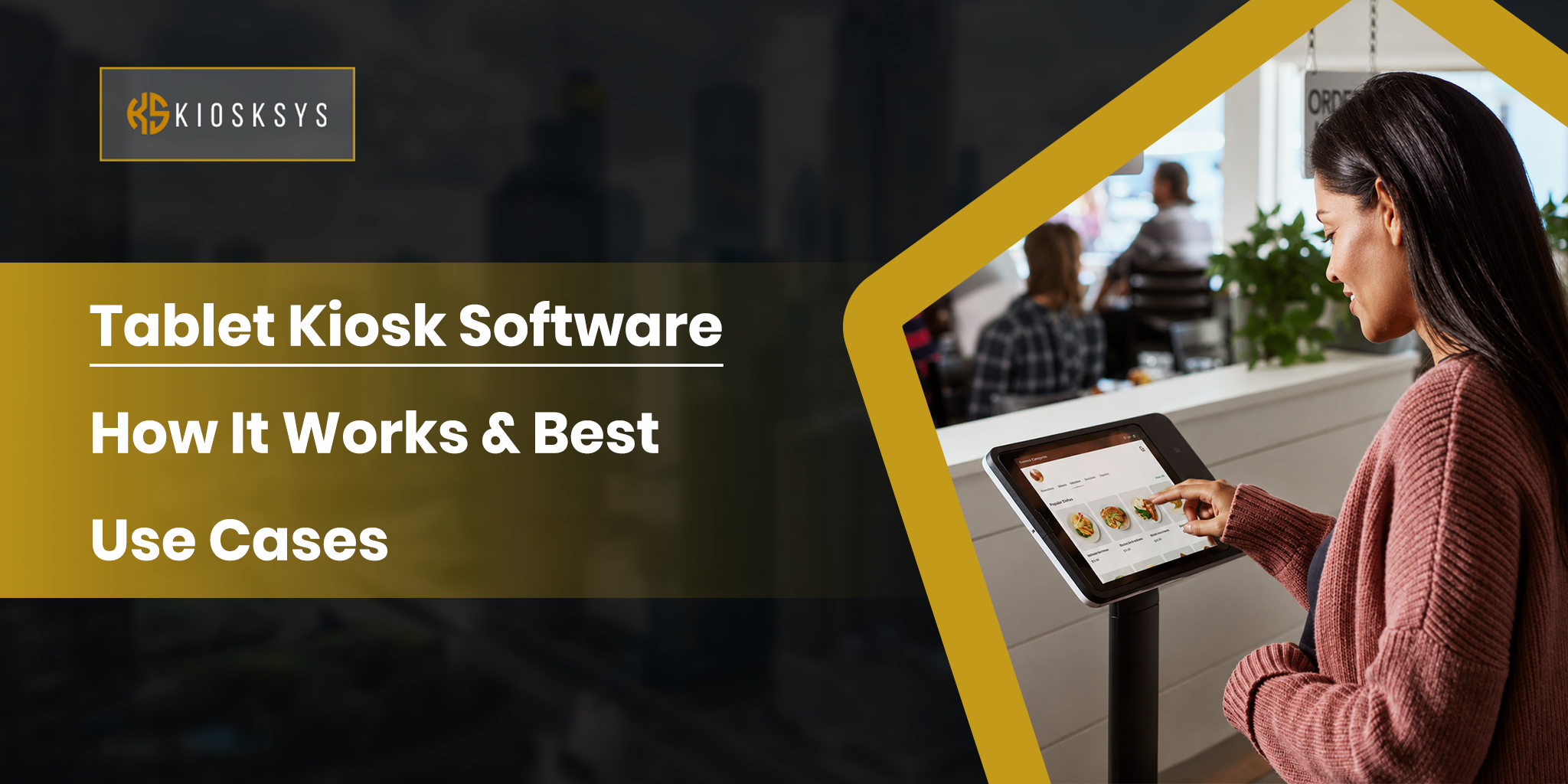
Tablet kiosk software is an app that turns a standard tablet into a secure self-service kiosk. This is done for customer or employee use. Instead of allowing full access to the device, it locks the tablet into a specific app or website. The custom interface it locks on allows users to only perform intended actions. Now, this could be general kiosk related things such as:
- Placing orders
- Checking in
- Making payments
- Browsing products
- Filling out forms
- And more…
It is commonly used because tablets are far more affordable and easy to deploy compared to traditional kiosk hardware. With the right software, businesses can manage things remotely and create a smooth touchscreen experience across multiple locations.
How Does a Tablet Kiosk Software Work?
Tablet kiosk software works by transforming a regular tablet into a controlled self-service device. This device then performs those specific business tasks that it is appointed for. It combines a user-friendly front-end experience with secure backend systems to manage operations and updates. Here is how the process typically works:
The Tablet Launches into Kiosk Mode
When the tablet powers on, the software automatically starts in kiosk mode. This locks the device into a selected app or custom dashboard. It then simply restricts access to any other settings and unrelated apps. Users only see the functions the business wants them to use. It creates a distraction-free experience that can not be tampered with.
Users Interact Through a Custom Touchscreen Interface
Once the tablet is active, it displays a touchscreen interface designed for easy navigation. This may easily include:
- Large buttons
- Simple menus
- Product catalogs
- Booking forms
- Check-in screens
- Multilingual options
The interface is technically built to guide users quickly through tasks. Since it is so highly inclusive, this happens with minimal confusion or staff assistance.
The Software Processes Inputs and Requests
Every tap or form submission is captured by the kiosk software and processed instantly. For example, if a customer places an order or enters personal details, the system moves on to validate the input and send it through the correct workflow.
It Connects with Backend Systems and Cloud Servers
Most tablet kiosk solutions connect with external systems such as:
- POS platforms
- CRM software
- Booking tools
- Payment gateways
- Inventory databases
- Cloud servers
This allows live syncing of everything from orders to the daily transactions. This way, the kiosk remains accurate and up to date.
Data is Stored, Tracked, and Used for Optimization
The software records valuable usage data such as:
- Customer interactions
- Peak usage times
- Completed transactions
- Abandoned sessions
- Performance metrics
After collecting them securely, businesses can use these insights to improve aspects and make smarter operational decisions over time.
What are the Features in Tablet Kiosk Software?
The wonder of the modern world: Tablet kiosk software is built to do much more than simply display an app on a screen. It gives businesses control over how the device operates and how multiple tablets are managed at scale. Below are some of the most important features found in modern tablet kiosk solutions:
Kiosk Mode & App Management
Kiosk mode is the core feature that turns a regular tablet into a dedicated self-service device. It basically restricts the access to:
- Unnecessary apps
- Settings
- Notifications
- System controls
This helps in keeping users focused on the intended task. Since businesses can configure the tablet to run a single app, problems don’t arise. App management features also allow administrators to install or schedule apps remotely across multiple devices.
Remote Management
Remote management allows businesses to control kiosk tablets from a central dashboard without needing physical access to each device. Teams can launch:
- Software updates
- Restart devices
- Change settings
- Monitor device health
- Deploy new content
- Troubleshoot issues from any location
This is actually especially valuable for businesses managing multiple kiosks across stores or franchises.
Security & Device Lockdown
Security features protect both the device and user data. In this era, this is necessary because without it, a business’s reputation could be damaged. Tablet kiosk software often includes:
- Password-protected admin access
- Blocked system menus
- Disabled USB connections
- Screen pinning
- Session timeouts
- Encrypted communication
- Options to wipe data
These controls help prevent misuse and unnecessary accidental changes to device settings.
System Configuration
Administrators can customize how the tablet behaves based on operational needs. This may include:
- Wi-Fi settings
- Screen brightness
- Sleep mode controls
- Automatic reboot schedules
- Language preferences
- Volume restrictions
- Peripheral setup
- Network permissions
Proper system configuration ensures the kiosk remains reliable and optimized for long-term public use.
Usage Analytics
Analytics tools are helpful for businesses to understand how users interact with the kiosk. The software can track:
- Session counts
- Popular actions
- Conversion rates
- Abandoned interactions
- Peak usage hours
- Device uptime
These insights are genuinely quite helpful because they improve user experience and make smarter decisions based on real usage patterns.
What are the Best Use Cases of Tablet Kiosk Software?
What makes tablet kiosk software so practical is how easily it fits into different business environments without the need for heavy or expensive hardware. A standard tablet can quickly transform into a powerful asset depending on the requirement.
Here are some real business use cases:
Retail & Point of Sale (POS)
In retail, tablet kiosk software helps create faster and more convenient shopping experiences. Stores can use tablets as self-checkout stations. They can display digital product catalogs or even act as mobile POS systems for staff.
Customers can simply browse products and check the availability before easily placing orders and completing their purchases easily.
Healthcare Check-in & Management
Healthcare environments often deal with high foot traffic and endless paperwork. Tablet kiosks can simplify front-desk operations by allowing patients to check in and quickly make payments digitally.
This reduces waiting room problems and frees administrative staff to focus on much more important patient needs. It also ensures that things don’t get draining.
Hospitality & Visitor Management
Hotels and commercial buildings use tablet kiosk software to create a more professional arrival experience. Guests can register visits or notify hosts of their arrival without relying entirely on the reception staff only.
This is especially useful during busy hours when front desks become crowded.
Restaurant Ordering/Menus
Restaurants are one of the strongest use cases for tablet kiosk software. Tablets can be placed at counters or entrances for self-ordering and loyalty promotions. Customers can explore items at their own pace and complete purchases without feeling rushed.
Conclusion
Most businesses adopt technology after the problems are already obvious. The lines become too long, customers are dropping off, and only then does the search for solutions begin.
Tablet kiosk software works better as a foundation than a fix. Tablets are affordable and something people already know how to use. That built-in familiarity removes a layer of problems that traditional kiosk setups never fully solved.