POS Kiosk System Explained: Features, Benefits & Use Cases
Walk into any busy quick service restaurant or retail store today, and you will likely see customers placing their own orders on a touchscreen without ever speaking to a cashier. That is a kiosk POS system at work. What looks like a simple screen from outside is actually a strong mix of ordering software, payment system, and backend integration that changes how a business works at every level.
In this guide, we will break down what a kiosk POS system is, how it differs from a traditional POS setup, the key features to look for, the real world benefits it delivers, and the use cases where it works best. If you are checking whether a kiosk setup is right for your business, this is your full starting point.
What Is A Kiosk POS System?
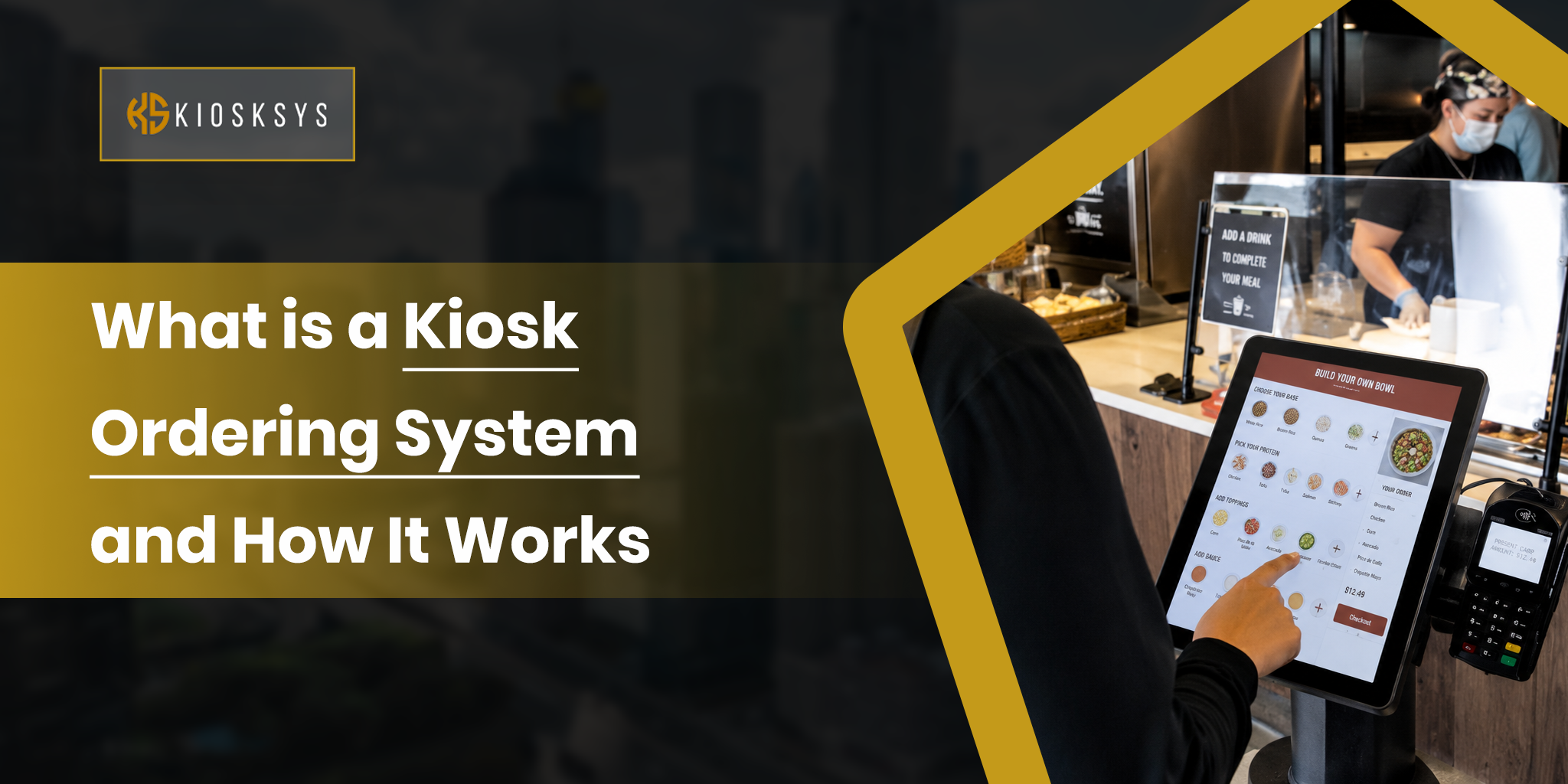
A kiosk POS system is a self service point of sale solution that allows customers to browse, order, and pay on their own without needing staff help. It is also widely called a self service kiosk POS system in restaurants and food outlets. It combines a touchscreen interface, ordering software, payment processing, and connection with your existing POS or restaurant system.
Unlike a traditional POS terminal, where staff take orders at the counter, a kiosk POS system puts the full ordering journey in the customer’s hands. The customer selects items, customizes their order, chooses payment, and completes everything independently.
This creates a faster ordering flow, fewer mistakes, and often higher order value when the system is designed well.
A POS terminal is only a payment device used by staff. A kiosk POS system is a full self service setup that includes both hardware and software, and allows customers to complete the entire order on their own.
The hardware includes the screen and payment device. The software controls how the system behaves and how smooth the experience feels.
This is where self service kiosk POS system software plays a big role in performance and user experience.
How Does a Kiosk POS System Work?
A kiosk POS system works by connecting a customer screen directly to your restaurant or retail backend. The process starts when a customer walks up to the kiosk and sees the menu on the screen.
The customer then browses items, selects food or products, and builds their order step by step. During this stage, the system may suggest add ons or upgrades based on what they select. This is part of the built in upselling logic.
Once the order is ready, the customer reviews it and confirms everything on screen. Payment is then made using a card, contactless payment, or mobile wallet like Apple Pay or Google Pay.
After payment, the order is sent directly to the kitchen display system or printer. The receipt is generated either digitally or in printed form at the kiosk.
During the full process, the kiosk syncs with the POS in real time. It updates stock, sends order data, and applies discounts or loyalty rewards automatically.
A well built system completes everything in under two minutes without any staff involvement. This is why many businesses now use a restaurant self-service kiosk POS system setup to speed up operations.
Key Features of a kiosk POS system
The performance of a kiosk POS system depends on a group of core features that manage everything from ordering to payment in a simple and structured way.
1. Intuitive Touchscreen Interface
The interface must be simple, clear, and fast. Customers of all ages should be able to use it without confusion. A good layout reduces mistakes and speeds up ordering. A poor design slows everything down and causes frustration.
2. Full Menu Management
The system must support your full menu structure. This includes modifiers, combo meals, add ons, and full customization options. It should handle breakfast, lunch, and dinner menus. It should support seasonal changes and location based pricing. All updates should be done remotely without visiting the store. This is very important for any self-service kiosk POS system for restaurants.
3. Smart Upselling and Cross Selling Logic
This is one of the strongest parts of a self service kiosk POS system. Instead of random suggestions, the system shows add ons based on what the customer is already choosing. It uses selected items, high margin products, and active promotions to suggest upgrades. This naturally increases order value. Many businesses see 10-30% higher bills when upselling is set up properly.
4. POS Integration
The kiosk must connect directly with your POS system in real time. Any menu change should appear instantly on the kiosk. Orders should flow straight into kitchen operations. Sales data should update automatically without manual entry. Without proper integration, systems become disconnected and messy.
5. Payment Processing
A self service kiosk POS system should support all major payment methods including debit cards, credit cards, contactless payments, Apple Pay, Google Pay, and sometimes cash. It should be fast, secure, and compliant with payment safety rules.
6. Kitchen Display System Integration
Orders should go directly to the kitchen screens or printers without delay. Everything should be clearly structured so that the kitchen staff can follow it easily. This removes manual order entry and reduces errors in busy environments.
7. Loyalty Program and Promotions Support
Customers should be able to log into loyalty accounts directly from the kiosk. They should earn points automatically and redeem rewards during checkout. All active deals, discounts, and combo offers should show during ordering without extra steps.
8. Remote Menu and Content Management
Managers should be able to control everything from one dashboard. This includes menus, pricing, images, and promotions. This is especially useful for businesses with multiple locations using a self service kiosk POS system.
9. Real Time Reporting and Analytics
Every order should be tracked in real time. You should be able to see the best selling items, peak hours, and customer behavior. This helps improve menu planning and pricing strategy over time.
10. Accessibility and Multi Language Support
A good kiosk must support all users. It should include multiple languages, simple navigation, and accessibility features for different users. This reduces staff help and improves overall customer experience.
Benefits Of A Kiosk POS System
The benefits of a kiosk POS system can be seen in daily operations, where it helps improve speed, accuracy, and customer handling.
Higher Average Order Value
Customers tend to spend more when using a kiosk. They are not rushed and can explore the menu freely. The system also suggests add ons at the right time. This often increases order value by 10 percent to 30 percent.
Faster Service During Peak Hours
A self service kiosk POS system restaurant setup allows multiple customers to order at the same time. This reduces queues and speeds up service. Four kiosks can handle far more orders than two cashiers during rush hours.
Improved Order Accuracy
Customers enter their own orders, which reduces human error. Special requests, changes, and preferences are clearly selected on screen. This leads to fewer mistakes and better kitchen accuracy.
Reduced Pressure on Staff
Staff no longer need to take every order. They can focus more on cooking, packing, and customer service. This improves efficiency inside the store.
Consistent Upselling Every Time
Unlike staff, a kiosk never misses upselling opportunities. It shows add ons every time in a structured way. This creates steady extra revenue across all orders.
Operational Data and Insights
Every transaction creates useful data. You can track what sells most, what times are busy, and where customers drop off. This helps improve menu planning and pricing decisions.
Scalability Across Locations
A self service kiosk POS system works well for multiple locations. One dashboard controls all stores. Menu updates and pricing changes can be pushed everywhere at once.
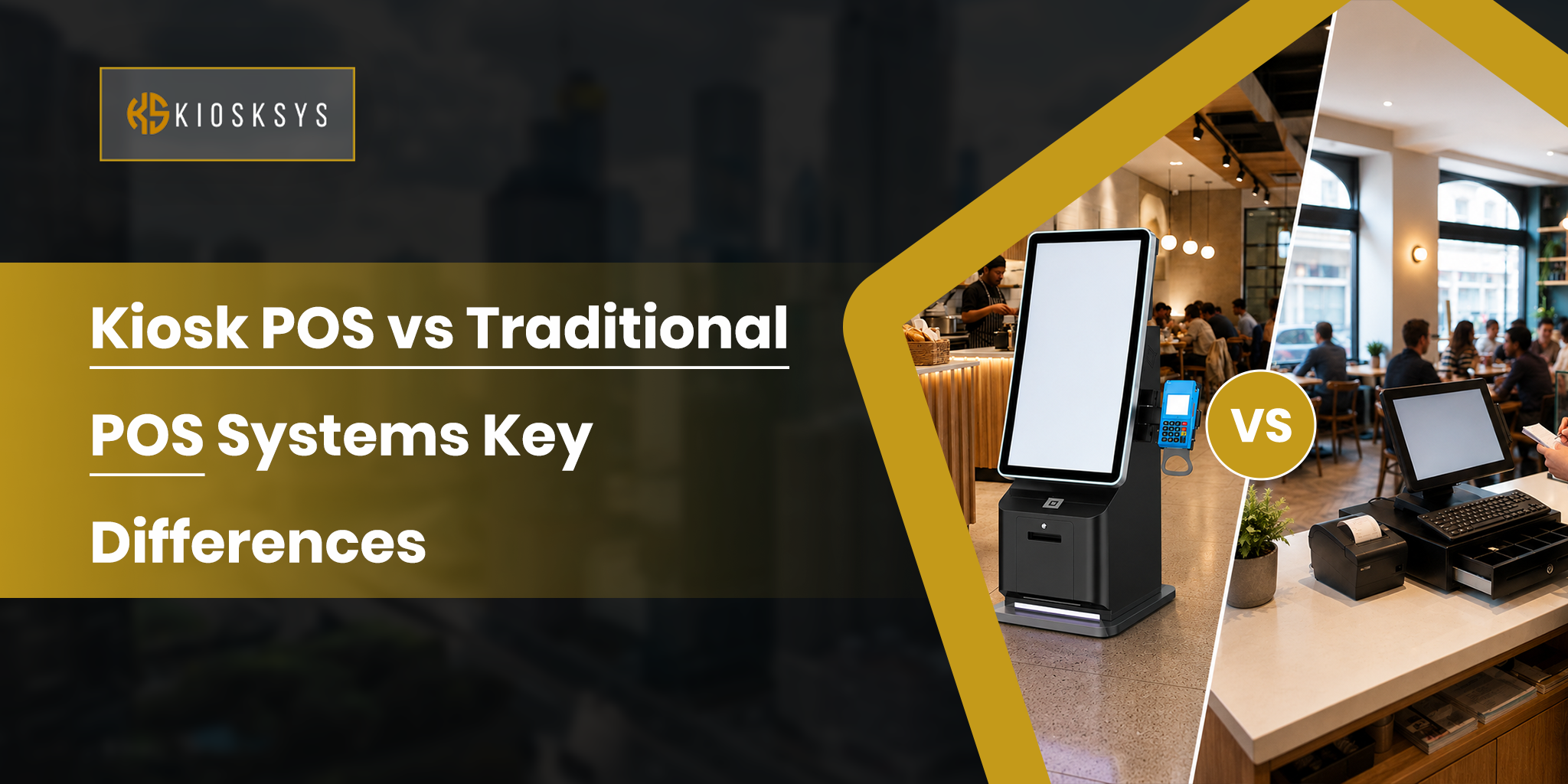
POS Kiosk System vs Traditional POS: Key Differences
Both a POS kiosk system and a traditional POS are used for order and payment handling, but they work in very different ways.
Feature | Traditional POS | POS Kiosk System |
Operated by | Staff | Customer |
Order entry | Manual by cashier | Self-service by customer |
Upselling | Depends on staff | Automated, consistent |
Queue management | Limited by staff count | Multiple simultaneous orders |
Order accuracy | Subject to human error | Customer-entered, highly accurate |
Average ticket impact | Variable | Consistently higher |
Staffing dependency | High | Lower |
Customer experience | Counter-dependent | Independent, faster |
Traditional POS and kiosk systems are not mutually exclusive. Most operations run both.
Kiosks handle the majority of ordering volume. A staffed counter remains available for customers who prefer it or need assistance.
Use Cases: Where POS Kiosk Systems Work Best
Different businesses use kiosks in different ways. The goal is the same. Faster orders, smoother flow, and less pressure on staff.
Quick Service Restaurants (QSRs)
QSRs are the main use case for kiosk POS system setups. Order volume is high. Menus are repetitive. Customers are usually in a hurry. This makes kiosks a strong fit.
Big chains already use it at scale. It helps reduce queues. It also increases order value. Kitchen output becomes faster and smoother.
Fast Casual Restaurants
Fast casual restaurants often have more complex menus. There are many modifiers and custom options. A kiosk handles this better than a counter order.
Customers like building their own meals. Bowls, wraps, and sandwiches are common examples. A self service kiosk POS system gives them more control. It removes pressure from ordering at the counter.
Cafes and Coffee Shops
Cafes deal with rush hours where every second matters. A self-service kiosk POS system helps speed things up during peak time.
Morning rush is busy in cafes. Multiple customers can order at the same time. This reduces waiting time. It also helps baristas focus on making drinks instead of taking orders.
Food Courts and Multi Brand Venues
Food courts bring many brands together in one space. A kiosk makes ordering simple for customers.
Food courts usually have many brands in one place. A kiosk system brings all menus into one screen. Customers can choose from different brands easily. This also reduces the need for extra staff at each counter.
Hotels and Resorts
Hotels focus on guest comfort and smooth service. Kiosks help reduce waiting time for dining and room orders.
Hotels use kiosks for dining and room service orders. Guests can order without waiting for staff. This improves guest experience. It also reduces operational workload.
Retail and Convenience Stores
Retail stores use kiosks to speed up checkout and reduce queues.
Retail stores use self checkout kiosk POS systems to handle transactions. It reduces pressure on cashiers. Staff can focus more on stocking and helping customers.
Airports, Cinemas, and High Traffic Venues
These places deal with constant crowd flow. Speed is the main requirement here.
Places like airports and cinemas have constant foot traffic. A kiosk helps handle fast transactions. Customers can order and pay quickly. No need to wait for staff during peak hours.
What to Look for When Choosing a POS Kiosk System?
Choosing the right system is not only about hardware. The software and flow matter more in real usage.
Software Quality and Ordering Experience
The system should feel fast and easy to use. It should handle full menus without slowing down. Modifiers and custom options should work smoothly.
POS Integration Depth
The kiosk should connect with your POS in real time. Orders, prices, and menu updates should sync automatically. No manual work should be needed.
Upselling Configuration
Upselling should match your menu and margins. Random prompts do not work well. The system should let you control how and when upsells appear.
Remote Management Capabilities
Menu changes should be easy to do from anywhere. You should not need to visit each location. This is important for multi store setups.
Support and Reliability
Issues during busy hours can affect sales. Support should respond quickly. Fixes should be fast and simple.
Scalability
The system should grow with your business. Adding new locations should not require changing the full setup.
Custom Development Options
Off the shelf systems work for simple needs. But complex menus or workflows need more control. A custom system usually fits better in the long run.
Scale Better With a Custom POS Kiosk System
Most kiosk POS system setups fail not because of hardware, but because the software doesn’t match how the business actually runs. What works for one industry often breaks when you try to scale it or fit it into a different workflow.
At KioskSys, we build custom kiosk POS system software based on how your operations work in real life. That means your ordering flow, integrations, and user experience are designed around your business needs from day one, so it runs smoothly and grows with you. If you are a business owner planning a self service kiosk POS system, we can help you build something that fits your needs and scales as you grow.