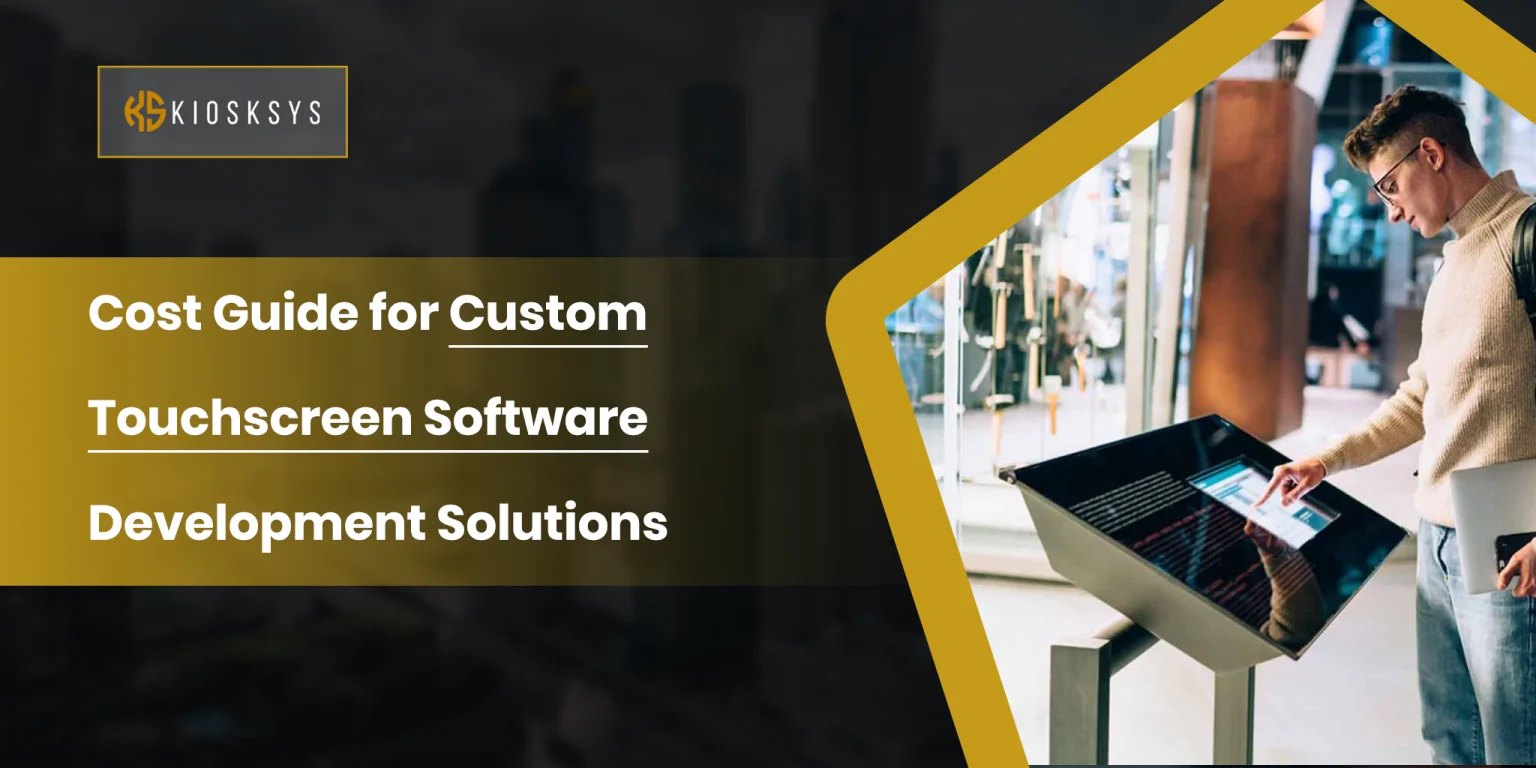
Cost Guide for Custom Touchscreen Software Development Solutions
Many businesses these days are introducing touchscreen technology into their operations. But many don’t think ahead. Ready made touchscreen solutions tend to do the basic work, but as businesses grow, they have to turn to custom software.
So let’s actually talk about what custom touchscreen software costs in 2026, and what a lot of businesses don’t find out until after they’ve already signed something.
What are Custom Touchscreen Solutions?
Custom touchscreen software is exactly what it sounds like. Instead of buying an off the shelf solution and trying to make your business fit around it, you have software built specifically for how your operation works. Your menu structure, your workflows, your existing systems, your customers.
This applies across a pretty wide range of products. Self ordering kiosks in restaurants. Interactive displays in retail stores. Visitor check in systems in offices and hospitals. Vending machines with touchscreen interfaces. Digital signage platforms.
The category is broad, but the underlying challenge still remains the same. There is generic software that rarely ever fits well, and when it doesn’t fit, it creates problems for both the customers and the staff.
The Custom Software Development Cost: An Overview
The range is wide, which isn’t a particularly satisfying answer, but it’s the honest one.
Solution Type | Basic Solution | Mid Complexity Solution | Enterprise Solution |
Kiosk Software | $15,000 to $35,000 | $35,000 to $80,000 | $80,000 to $200,000+ |
Digital Signage Software | $10,000 to $30,000 | $30,000 to $70,000 | $70,000 to $180,000+ |
Vending Machine Software | $20,000 to $40,000 | $40,000 to $90,000 | $90,000 to $250,000+ |
These numbers may be shocking to some, but they reflect real development hours. And what do development hours reflect? Complexity.
What are the Factors that Affect Custom Software Development Prices in 2026?
A few things tend to push costs up significantly. If they’re not kept track of, you’ll end up adding a few thousand dollars to your project within seconds.
Hardware and OS Compatibility
Hardware and operating system compatibility is one of the bigger ones that people don’t think about upfront. Touchscreen devices run on Android, Windows, Linux, or various embedded systems, depending on the manufacturer and use case. Getting software to run smoothly across different screen sizes, processors, and touch controllers takes real work, especially when you’re deploying across dozens or hundreds of devices, where even a small compatibility issue can become a large operational problem.
User Interface (UI) and Gestures
The interface design itself is also a bigger investment than most people expect. Touchscreen UI is genuinely different from designing for a desktop or a phone. Buttons need to be large enough to tap accurately. Navigation has to be intuitive for someone who’s never used that specific system before, including older users who might not be comfortable with technology. Custom gestures like swipe navigation or pinch to zoom add another layer of complexity on top of that.
Offline Functionality
Offline functionality is something that catches a lot of buyers off guard. Many touchscreen deployments are in environments where you can’t guarantee a stable internet connection. An airport kiosk that freezes every time the WiFi hiccups is a problem. Building in proper offline capability means local data storage, sync mechanisms, and conflict resolution systems for when the device reconnects. It’s not glamorous work, but it’s necessary, and it adds to the cost.
Third-Party Integrations
Then there are integrations. Most touchscreen solutions need to talk to other systems. Payment gateways, inventory platforms, loyalty programs, CRM tools, analytics dashboards, cloud services. Every integration is additional development and testing work. A kiosk that displays static information is relatively cheap to build. A kiosk that processes payments, updates inventory in real time, applies loyalty discounts, and syncs data to a cloud dashboard across fifty locations is a completely different project.
What are the Hidden Costs that Businesses Should Prepare For?
This is where a lot of businesses get caught out. So let’s prepare for the potential prices you may have to pay later on.
Maintenance and Support
The development cost is a one time expense. What comes after it is not.
Software needs to be maintained. Operating systems get updated. Security vulnerabilities get discovered and patched. Your business changes, and the software needs to change with it. Most development teams price ongoing maintenance somewhere between about 15% and 25% of the original project cost annually. For enterprise deployments, that number can be higher.
Operational Costs
There are also operational costs that don’t always make it into the initial conversation. Cloud hosting, remote device monitoring, content management, data storage, and customer support infrastructure. These add up over time, especially at scale, and a solution that looks affordable upfront can become significantly more expensive once you’re actually running it day to day.
Energy Consumption
Energy consumption is another one that tends to get ignored until the electricity bills start coming in. Touchscreen displays running around the clock, high brightness screens, connected peripherals, always on processors. For a single device, it’s minor. For a large deployment, it becomes a real line item.
How Can Businesses Optimize These Costs?
It’s fairly easy when you get into this with a strategic mindset. Even small businesses can save a lot.
Prioritize Your Features and Complexity
The single most effective thing you can do is define exactly what you need before development starts. Scope changes mid project are expensive, almost without exception. Every time requirements shift after work has begun, it costs more time and money than if that requirement had been in the original spec.
Begin with an MVP
Starting with a minimum viable product is worth considering seriously. Build the core functionality first. Ignore the other fancy features and design settings. Get it in front of real users and expand based on what you learn. It’s a more methodical approach, but it tends to produce better outcomes than trying to build every possible feature at once and hoping you guessed correctly about what customers actually want.
Go for Scalability Since the Beginning
Choosing a scalable architecture from the beginning also pays off over time. A system built thoughtfully to grow is much cheaper to extend later than one that was built fast and cheap and needs to be partially rebuilt every time you want to add something.
Business Tip:
And where possible, use what already exists. As an example, you can reuse:
- Payment systems
- Cloud infrastructure
- Existing content management platforms
Building software from the basics is necessary, but only sometimes. When you’re actually choosing it, it should be a deliberate choice, not the default.
Wrapping it Up
Custom touchscreen software in 2026 can cost a fortune for businesses if they don’t understand and optimize their costs properly. Where your project lands on the budget chart depends on several different factors, as discussed in this guide.
Yet, the development cost is only part of the picture. Maintenance, operations, support, and energy all factor into what you’re actually spending over the life of the system. Businesses that plan for those costs from the start tend to end up with much better outcomes than those that treat the initial development quote as the total investment.
Frequently Asked Questions
How Long Does It Take to Develop Custom Touchscreen Software?
The time it takes to develop a project depends largely on what you’re building. A simple touchscreen app can often be completed within 2 to 4 months. However, if your solution requires advanced features and is around the enterprise level, then it can take anywhere from 6 to 12 months or even longer.
Is Custom Touchscreen Software Better Than Off-the-Shelf Solutions?
There’s no one-size-fits-all answer. Off-the-shelf software is usually quicker and less expensive to get started with, which makes it appealing for businesses with straightforward needs. However, as operations grow, many companies find themselves limited by generic features. Custom software is more helpful in such cases.
Can Custom Touchscreen Software Be Updated Remotely?
In most cases, yes. Modern touchscreen solutions are typically built with remote management capabilities. This allows businesses to release updates without physically accessing each device.
What Security Features Should Custom Touchscreen Software Include?
If your touchscreen solution handles customer information or payments, then making sure of powerful security is your job. A well-designed system should include features such as encrypted data transmission and regular security updates.