Touch Screen Software Explained
Screens that just display information are no longer enough. Customers walk past them. Employees ignore them. Visitors do not engage. Businesses that still rely on static displays or manual service points are leaving real operational value on the table.
Touch screen software changes that equation entirely. It turns a passive display into an active service tool. It lets users find what they need, complete transactions, navigate spaces, and get answers without waiting for staff. It lets businesses manage everything from one place, update content in real time, and track how users actually interact with the system.
What Is Touch Screen Software and How Does It Work?
Touch screen software is the platform that controls what a touch enabled display shows and how it responds to user input. It sits between the hardware and the end user. The screen captures the touch. The software decides what happens next.
It manages several things at once. It controls content. It decides what is shown, when it is shown, and in what order. It manages interaction. It defines how users navigate, what they can access, and what they cannot. It also handles device security, remote monitoring, and data collection in the background.
The hardware, the screen, the enclosure, and the peripherals are only part of the equation. Interactive touch screen is what determines whether the experience feels seamless or frustrating. Without the right software layer, even the most expensive display underperforms.
What separates touch screen solution from a basic digital display is the interaction layer. A digital screen pushes content to a viewer. Touch screen responds to the viewer. That response can be a menu navigation, a product search, a payment, a check in, or a wayfinding route. The range of what is possible depends entirely on how the software is built and configured.
How Can Businesses Benefit from Software Designed for Touch Screens?
Businesses deploy touch screen system because it solves problems that cannot be solved with static signage or additional headcount alone.
Reduced Manual Workload
It reduces dependence on staff for routine tasks. When a customer can check in, place an order, or find directions on their own, staff are freed for higher value work. This is not about replacing people. It is about making sure people are not tied up answering the same question three hundred times a day.
Improved Service Accuracy
It improves the accuracy of service. A touch screen system does not make errors the way manual processes do. An order placed directly at a kiosk goes into the system exactly as the customer entered it. Payment processed through the terminal is recorded without manual entry. This reduces mistakes and the operational cost of correcting them.
Faster Customer Decision Making
It serves customers at the point of decision. Touch screen solution for client satisfaction works best when it reaches users exactly when they need information, not before and not after. A customer standing in front of a product catalog, a patient approaching a hospital reception, or a visitor walking into a lobby. These are moments where the right information delivered instantly creates a positive experience.
Real Time Data and Insights
It generates data that informs decisions. Every interaction is a data point. Session length, most used features, peak hours, and completion rates. This information tells businesses what is working and what is not. That data loop is what separates a managed system from a static installation that no one monitors.
Easy Scalability Across Locations
It scales without proportional cost increases. Adding a second kiosk location does not require doubling the content team. Multi touch screen platforms manage dozens or hundreds of devices from a single dashboard. Content updates, configuration changes, and monitoring all happen centrally.
Where Is Touch Screen Software Used Across Industries?
The application of touch screen spans nearly every sector where businesses interact with customers, visitors, or employees in physical spaces. The software adapts to the use case. The core capabilities remain the same.
Retail and Self Service Systems
Retail uses touch screen for self service product catalogs, price checking, loyalty program management, and endless aisle systems that give customers access to inventory beyond what is physically on the floor. Touch screen POS software in retail environments handles the entire transaction from item selection through payment, reducing queue times and increasing order accuracy.
Food and Beverage Ordering
Food and beverage operations use it for self ordering kiosks and digital menu boards. Orders flow directly to kitchen display systems. Upselling prompts appear automatically at the right moment. Staff focus on food preparation and service rather than order taking.
Healthcare Check In and Navigation
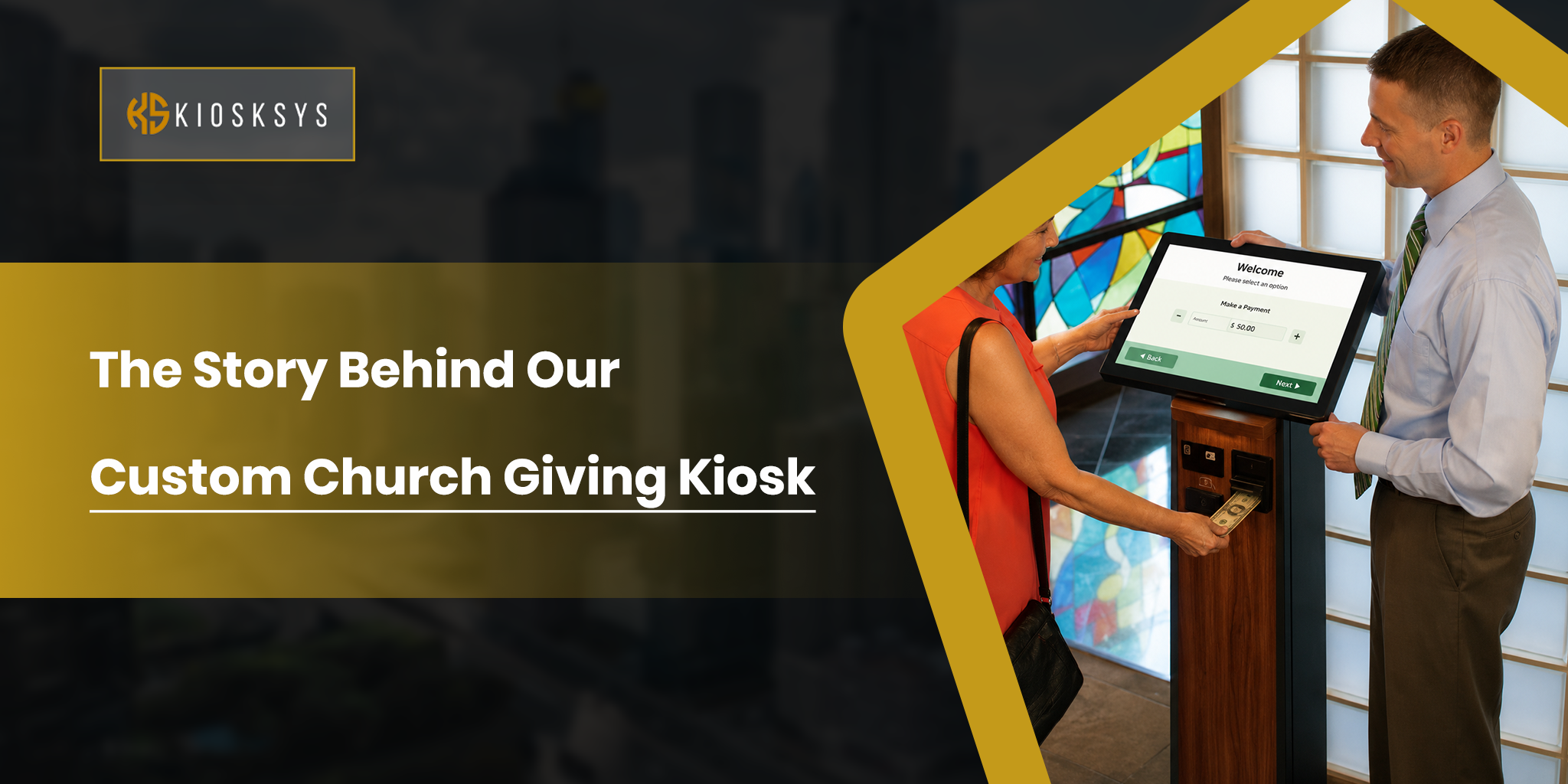
Healthcare relies on touch kiosk screen software for patient check in, wayfinding across large facilities, and appointment management. A hospital campus can be difficult to navigate. A well configured wayfinding kiosk reduces the number of misdirected patients and the staff time spent redirecting them.
Museums and Interactive Displays
Museums and cultural institutions use museum touch screen system for exhibit exploration, interactive timelines, collection browsing, and educational content delivery. This use case demands rich multimedia integration. Video, audio, and image galleries. It also needs intuitive navigation built for visitors of all ages and technical ability levels.
Corporate and Office Use Cases
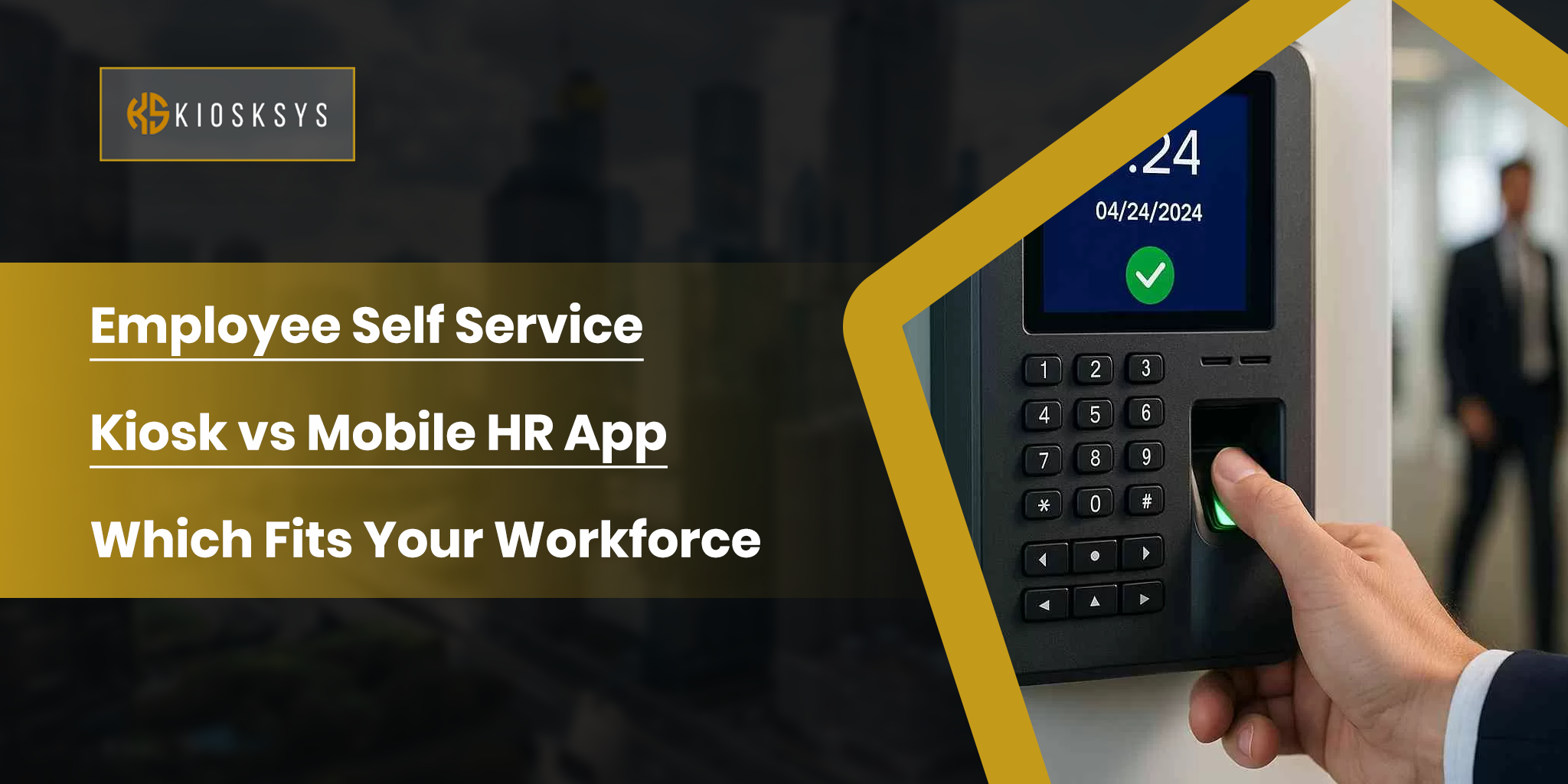
Corporate environments deploy it for visitor management in lobbies, employee directory systems, meeting room booking, and internal communications. Touch screen kiosk software in these contexts often needs integration with access control systems, HR databases, and calendar platforms.
Transportation and Public Access Systems
Transportation hubs such as airports, train stations, and transit centers use touch screen wayfinding software, ticketing, flight and departure information, and service lookup. The outdoor touch screen digital signage software variant handles the additional demands of sunlight, weather, and high volumes of brief interactions.
Education and Campus Solutions
Education uses it for campus navigation, event information, alumni recognition walls, and administrative self service. Touch-screen software development for educational deployments often involves integration with student information systems, event management platforms, and content databases spanning years of institutional history.
What Are the Key Features That Separate Good Touch Screen Software from Basic Solutions?
Not all touch screen platforms deliver the same capabilities. The gap between a basic content display system and a properly managed interactive platform is significant. These are the features that matter most in real world deployments.
Content Management and Scheduling
The CMS is the operational core of any touch screen deployment. Administrators need to manage content without involving developers every time something changes. That means a web based dashboard, drag and drop content tools, template libraries, and scheduling logic that allows content to switch automatically based on time, date, location, or other conditions.
A restaurant that needs breakfast content to switch to lunch at 11:00 AM should not need anyone to manually update a screen. A retail kiosk that needs to push a promotion on Friday afternoon and remove it Sunday night should not require a support call. The scheduling system handles this automatically once it is configured.
Device Lockdown and Security
Public facing touch screens require lockdown controls. Users should not be able to exit the intended application, access system settings, browse to unauthorized websites, or interfere with the device’s underlying operating system. This is not optional. It is a baseline requirement for any kiosk deployment in a public space.
Touchscreen Digital signage software platforms handle this through application layer lockdown, URL whitelisting and blacklisting, and hardware level controls over USB ports, cameras, and other external interfaces. For deployments that handle payment data or personal information, encryption and PCI compliance are additional non negotiable requirements.
Session isolation is equally important. Each user session must reset completely after the previous user is done. No personal data, no navigation history, and no account information should carry over from one session to the next.
Remote Device Management
Managing a network of touch screen kiosks manually is not viable at any meaningful scale. Remote device management means pushing software updates, content changes, and configuration adjustments from a central dashboard. It means being able to see the current state of every device. Online, offline, or error status. All without physically visiting each location.
Remote monitoring should include automated alerts when something goes wrong. A device that goes offline sends an alert. A peripheral that runs low on consumables sends an alert. A screen that has not synced content within its expected window sends an alert. The right alert goes to the right person. A local manager for an operational issue or an IT team member for a hardware failure. This happens without manual escalation.
Peripheral Integration
Touch-screen solution often needs to work alongside hardware beyond the screen itself. Receipt printers, card payment terminals, NFC readers, barcode scanners, cameras, and biometric devices all need to be recognized and managed by the software. The platform needs to support these integrations at a system level and monitor each peripheral independently. A low paper warning in a receipt printer is different from a hardware failure. The software should know the difference and respond accordingly.
Analytics and Reporting
Every session generates data. Interaction volume, session length, most accessed content, peak usage times, and error rates. This data tells the business how the deployment is actually performing. A platform that surfaces this information in a readable dashboard gives administrators the visibility to make improvements over time.
Touch screen solution for client satisfaction benefits directly from analytics. If a specific screen or menu path consistently causes users to drop off, that is a content or UX problem. Analytics make it visible. Without that data layer, the kiosk is a static installation with no feedback loop.
ADA Compliance and Multi Language Support
Accessibility is a legal requirement in most markets and a practical requirement everywhere. Touch targets need to be appropriately sized for reliable finger interaction. High contrast display modes, large text options, screen reader compatibility, and audio guidance all extend usability to visitors with varying abilities.
Multi language support is equally important in markets with diverse populations. A touch screen system that only operates in one language excludes a significant portion of potential users. The best platforms allow language switching at the session level so each user can interact in their preferred language without affecting other users.
How Should Businesses Choose the Right Touch Screen Software?
The market offers a wide range of options. Generic platforms, purpose built solutions, cloud based SaaS products, and custom developed software all exist across different price points and capability levels. Choosing correctly starts with understanding what the deployment actually needs to do.
1. Define Your Use Case Clearly
Is the system primarily a display tool or a fully interactive service terminal? Does it process payments? Does it connect to existing backend systems? Is it indoors or outdoors? Single site or multi location? These answers determine which features are non negotiable before any vendor conversation begins.
2. Check Remote Management Capabilities
A vendor demo should include a live remote content update, a remote device reboot, and a screen view session. A platform that cannot demonstrate these capabilities live is not ready for a serious deployment.
3. Verify Integration Requirements
Software for Touch screen that cannot connect to existing systems creates problems that compound over time. Ask for API documentation before signing a contract. Test the integration with real backend systems before committing.
4. Understand Total Cost of Ownership
Licensing fees are one component. Integration work, content management time, support contracts, hardware maintenance, and customization all add to the real cost over a two to three year deployment horizon.
5. Decide Between Custom and Off the Shelf
Generic touch interface software development platforms work well for standard use cases. They struggle when workflows are complex, integrations are deep, or the user experience needs to be purpose built around a specific business process. In those situations, custom software development is not a premium. It is the practical choice. A system built around how your business actually works performs better from day one and requires fewer ongoing workarounds.
At KioskSys, we build custom touch screen enabled software for businesses that need more than what generic platforms can deliver. We handle content management, device control, third party integrations, remote monitoring, and analytics. All configured for your specific use case. If you are planning a touch screen rollout, we can build a system that fits your workflows from the start.
Frequently Asked Questions
Is a touch screen a hardware or software component?
Touch screen technology involves both. The hardware includes the display panel, touch sensor layer, and controller that detects where and how the screen is touched. The software processes that input and determine what action to take. The two work together. High quality hardware with poor software delivers a frustrating experience. The software layer is what determines whether a touch interaction feels responsive and intuitive or sluggish and unreliable.
How much does touchscreen software cost?
Touch screen software costs can vary a lot depending on what you need. If you hire an agency to build a custom experience, the starting cost is usually around $10,000 or more. Platform based solutions can start lower, often around $5,000.
The final cost depends on how complex your setup is. Simple content and basic navigation cost less. Advanced features like 3D models, custom animations, and integrations with other systems increase the price. The more interactive and connected your system needs to be, the higher the cost will go.
Is touch screen hardware or software, which one matters more?
Both matter, but in different ways. Hardware determines physical durability, brightness, touch accuracy, and environmental suitability. Software determines the user experience, content management, security, remote management, and the ability to evolve over time. For long term deployments, software quality tends to have a greater impact on total value because it determines ongoing operational efficiency, not just day one performance.
How to make touch screen laptop software work for a business kiosk?
Consumer laptops are generally not appropriate for business kiosk deployments. They lack commercial grade durability, proper lockdown capabilities, and the peripheral support that business touch screen software requires. A purpose built kiosk hardware platform paired with dedicated kiosk touch screen software will outperform a repurposed laptop setup in every operational dimension. Reliability, security, manageability, and user experience.