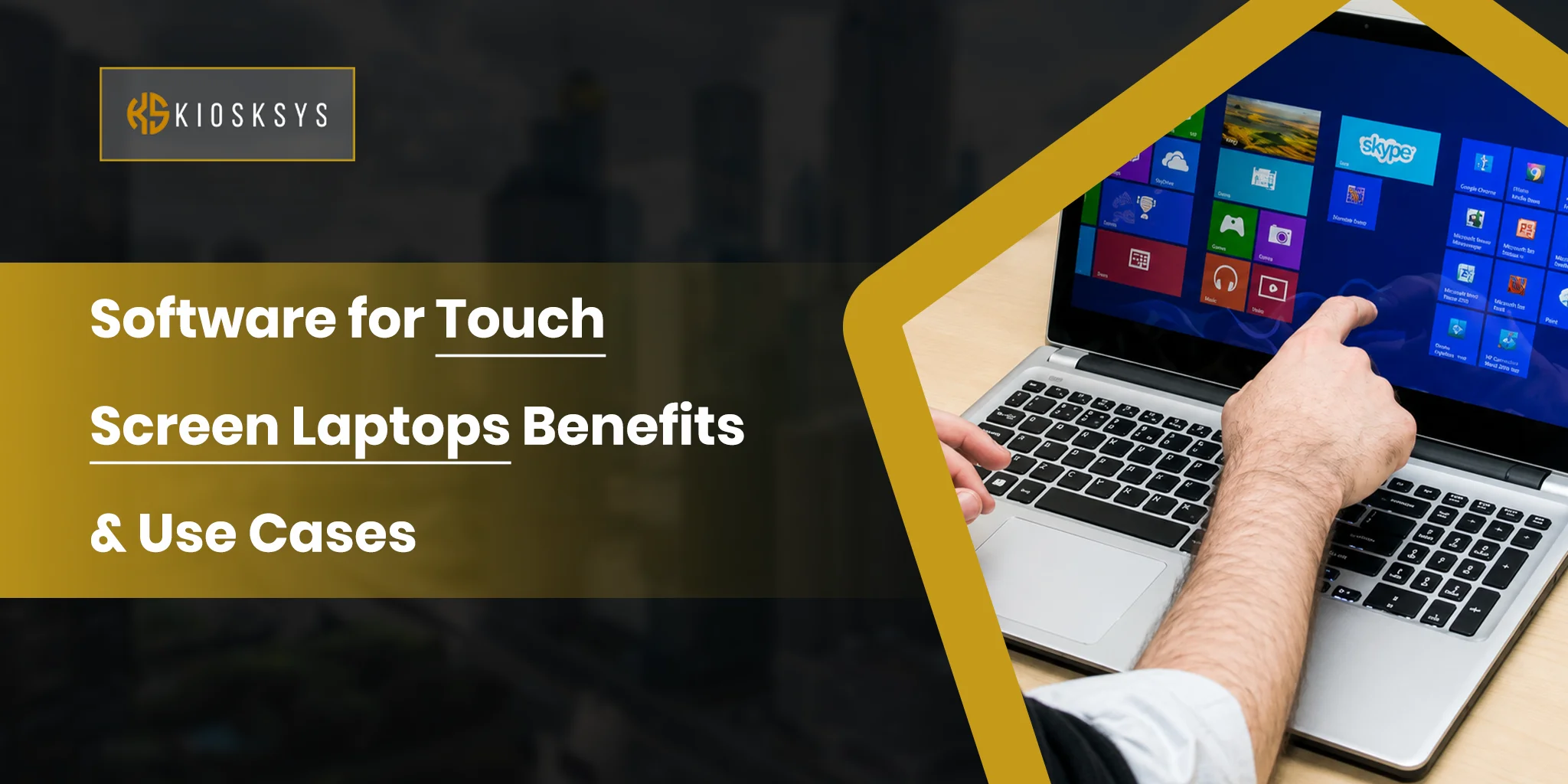
Touchscreen software for laptops: Benefits & Use Cases
Touch screen laptops have moved far beyond being a nice extra feature that used to impress people. They now sit in a very practical middle ground between a regular laptop and a tablet. This gives users a more direct way to interact with their device without having to give up the comfort of a keyboard and trackpad.
That balance is exactly why they keep showing up in offices and everyday personal use.
For software teams, this matters even more. A touch-enabled device is only as useful as the software experience behind it. If the interface is too small or the system is not built for touch-first navigation, the hardware will never feel truly smooth. That is why the software plays such a big role in making these devices feel natural and genuinely useful.
What are Touch Screen Laptops?
These touchscreens are just like basic laptops but a bit different, and that difference makes all the difference here. These devices come with a display that responds to finger input or stylus input, or mostly both.
- Tap
- Swipe
- Pinch
- Scroll
- Write
- Draw
directly on the screen instead of relying only on a mouse or trackpad.
They still work like normal laptops, which means you can use the keyboard and open desktop apps. You can also switch between windows and do all the usual computer tasks but with interactivity! The touchscreen just adds another layer of control that feels faster and more direct.
How Popular Are Touchscreen Laptops? A Market Overview
The laptop market itself is still large and expanding. Grand View Research estimates the global laptop market at USD 194.25 billion in 2022 and projects it to reach USD 334.51 billion by 2030. That growth matters because it shows there is still strong demand for better laptop form factors, especially devices that can handle work, study, and entertainment in one machine.
The display side of the story is growing too. Fortune Business Insights reports that the global touch screen display market was valued at USD 98.87 billion in 2025 and is expected to rise from USD 112.61 billion in 2026 to USD 318.99 billion by 2034. That is a strong signal that touch driven interfaces are no longer niche. They are becoming part of the standard expectation across devices, including laptops.
Microsoft’s own product direction adds another useful clue. Its Windows 11 touch features, pen support, and Surface devices all lean heavily into touch friendly workflows, gesture based navigation, and handwritten input. That tells us the market is not just buying touch hardware. It is also expecting software to make that hardware feel effortless to use.
Do You Need Specific Software for Touchscreen Laptops?
Yes, and this is where a lot of the value lies. A touch-enabled laptop can technically run normal laptop software, but good touchscreen software is what makes the experience feel so smooth.
The interface needs:
- Larger tap targets
- Clear spacing
- Smooth gesture response
- Layouts that stay consistent when a user switches from keyboard input to touch input
Windows 11 itself is designed around touch friendly navigation, with larger icons and touch support built into the operating system.
The Software also matters for things like:
- Pen support
- Note conversion
- Handwriting
- Annotation
- Drawing
Microsoft says using a pen with Windows can feel natural and supports pressure sensitivity, highlighting, and annotation. That is exactly the kind of functionality that turns a touchscreen laptop from a simple display into a practical work tool for students and professionals.
In business settings, touch optimized software also helps with accessibility and speed. Users with different mobility needs may find touch and gesture options more comfortable than a traditional mouse first workflow. That is why software for touchscreen laptop should not be treated as just a visual upgrade. It should be treated as an interaction layer built for real use.
What are the Benefits of Using Laptops with Touchscreens?
They aren’t selling for nothing; these laptops come with a whole set of advantages that make the laptop experience a lot better and fun to engage with.
Superior Displays
One of the biggest strengths of a touchscreen laptop is how directly it connects the user to the content on the screen. When the display is sharp and responsive, tapping and swiping feel immediate and the natural thing to do. This makes simple actions faster and more intuitive.
Improved Accessibility
Touchscreen laptops can make computing easier for users who prefer alternative ways of interacting with a device. Windows 11 accessibility features are built around mobility and more flexible ways to control the PC.
Super Intuitive Navigation
Touch based navigation is often faster for simple actions. A tap can replace a click, and pinch to zoom can replace extra steps that would otherwise slow users down. Microsoft’s touch gesture guidance shows that touch gestures are built into the Windows experience for everyday actions.
2 in 1 Functionality
Many touchscreen laptops also work as 2 in 1 devices, which means they can be used in laptop mode and tablet mode. Some extraordinary individuals love to have a flexible in between position depending on the design.
Enhanced Creativity and Design
Touchscreen laptops are especially strong for creative work. Pen input supports drawing and handwritten text conversion. This unique feature makes touch screen devices useful for designers and students who prefer to think visually.
What are the Use Cases of Touch Screen Software Today?
These days, touch screen software can be seen in multiple places, benefiting users across sectors.
Productivity and Office Work
In office environments, touchscreen software helps people move faster through everyday tasks. Users can review documents, sign forms, mark up PDFs, scroll through dashboards, and navigate web apps with less friction. It becomes even more useful when the device supports keyboard input at the same time, because the user can switch between typing and touch depending on the task.
Creative and Design Work
For creative teams, touch screen software is a real workflow upgrade. Designers can sketch ideas, annotate mockups, and work more naturally with pen input. Microsoft’s pen support guidance specifically points to pressure sensitivity, tilt recognition, and handwriting friendly features, which are the kinds of details that matter in actual design and creative work.
Education and Learning
Students benefit from these because they make note taking and studying more interactive. Handwriting notes, highlighting important sections, and switching between reading and writing becomes much easier. Microsoft also highlights handwritten note support and conversion to text, which is especially useful in classrooms, tutorials, and revision sessions.
Entertainment and Media
These screens are a comfortable fit for entertainment because they make it easy to browse streaming apps, flip through photos, adjust volume, and control media with simple gestures. When a laptop is being used casually, touch input often feels more relaxed than moving a cursor around the screen all the time.
This is one reason touch screen devices continue to appeal to users who want one machine for both work and leisure.
Collaboration and Communication
Touchscreen software also works well in meetings and team sessions. Presenters can write on the screen, highlight points in real time, and move through slides more naturally. For remote and hybrid teams, that can make a laptop feel more interactive during calls and discussions.
Microsoft’s product messaging for Surface and Windows keeps returning to touch, pen, and flexible productivity because it fits these kinds of collaborative use cases.
What are the Challenges of Using Touch Screen Laptops?
Even though these devices sound like they are so cool and fun to use, they still come with some limitations that get in the way… Let’s get some idea of what they are:
Limited Touch Optimization in Software
The biggest issue starts with the software. So technically, not every app is designed for a touch first interaction. This is why many desktop apps still rely on tiny buttons and need the perfect click by cursors. On a touchscreen, that creates problems just naturally.
Hardware Trade Offs and Performance Impact
Touchscreen laptops bring extra hardware into the whole game. The display layer and flexible hinges that are in 2 in 1 devices easily increase both weight and cost. In some cases, battery life also takes a hit. This is where expectations shift.
Inconsistent User Experience Across Apps
Even within the same device, the experience can feel uneven at times. Some apps are beautifully and almost perfectly optimized for touch. At the same time, others feel like they belong to a completely different system. This lack of consistency forces the user to constantly switch between touch and using the mouse.
Learning Curve for Traditional Users
For users who have spent years working with a keyboard and mouse, switching to touch based interaction is not always instant. Gestures and screen navigation with the finger require a bit of adjustment. Without clear guidance or intuitive design, many users fall back to what they already know, just because they find it easier.
Conclusion
Touch screen laptops are practical devices that combine familiar laptop sense with something better. It combines that performance with a more direct way of interacting with content. The real value here genuinely just comes from software that understands touch. This makes the whole experience smooth across different use cases.
For businesses and users alike, a touchscreen laptop works best when the software behind it is built to make touch feel natural.
Frequently Asked Questions
What is the Future of Touch Screen Software in Laptops?
Touchscreen laptops already look like they are something from the future. But this future is now! In the next few years, we’ll see that:
- Future touchscreens will integrate with voice and eye-tracking, using multi-sensing technology to understand user intent better.
- They will offer more sophisticated tactile feedback with more realistic physical sensations.
- AI is shifting from simple touch recognition to predictive gestures and smart automation that anticipates user actions.
Can Custom Software Be Developed For Laptops Touchscreen?
Yes. Custom software can be built to support touch gestures, pen input, responsive layouts, and touch friendly workflows.
How Does Touch Screen Software Improve Usability?
It makes navigation faster, interaction more direct, and device use more intuitive for everyday tasks.