Understanding Multi Touch Screen Software
Multi touch screen today has become one of those things people use every day without stopping to think about it. No matter if you tap or zoom, the screen just understands each gesture.
That smooth feeling is not luck. It comes from a mix of technologies that work together in real time. This matters more now than ever because touch displays are no longer limited to phones. They are everywhere in kiosks, digital signage, and self service setups.
Fortune Business Insights says the global touch screen display market was valued at USD 98.87 billion in 2025. Additionally, it is projected to reach USD 318.99 billion by 2034. MarketsandMarkets also reports that the interactive display market was valued at $12.5 billion in 2024. It’s expected to reach $16.9 billion by 2029.
As adoption continues to grow across industries, understanding the software behind these touch experiences becomes increasingly important.
What is Multi Touch Screen Software?
Multi-touch screen software operates on a multi-point touch technology. So basically, a touch point count refers to the amount of independent touch points that a touchscreen can recognize and process at the same time at any given time. These points technically determine how many users can interact on the same display interface simultaneously.
When the screen has multi-touch technology, it consists of human-computer interaction technology. This is accompanied by hardware devices that allow the screen to achieve more natural screen tapping and control.
That is why this technology feels more natural. It is built for the way people already move their hands. Instead of forcing the user to work like a machine, the system adapts to natural human movement.
How Does Multi Touch Screen Software Work?
The process starts when a finger or stylus lands on the screen. The touch layer detects where the contact happened and sends that information to a controller.
Moving forward, the controller turns those signals into coordinate data. From there, the software interprets the movement and decides which gesture the user is performing, this includes:
- Tapping
- Dragging
- Pinching
- Swiping
- Performing
The important part is that the software does not only read contact. It reads patterns. One touch point means one action. Two or more touch points can create a completely different command. For example:
- Scrolling can use two fingers
- Zooming can use a pinch or stretch motion
- Several screen gestures rely on three or four finger movements
That gesture awareness is what gives touch interfaces their speed and flexibility. However, this also depends on the app. The hardware may support several touch points, but the software still has to know how to respond to them.
Types of Multi Touch Screen Software Technology?
Different touch technologies detect input in different ways, and that affects how the software behaves. Let’s explore the different types:
Capacitive PCAP
Projected capacitive, often called PCAP, is the most common touch approach in modern consumer devices. Beetronics describes it as the technology that supports true multi touch capability by using a grid of electrodes across the glass surface.
That setup allows the controller to track multiple touch points in real time. ViewSonic also notes that projected capacitive touch is commonly used in smartphones and is known for precise recognition and fast response times.
This is usually the best choice when the goal is a smooth, premium user experience. It supports gestures well and works especially well on kiosks and interactive displays.
Infrared IR
Infrared touch technology detects input through a grid of light beams around the screen. When something blocks the beams, the system identifies the touch location. Infrared touch panels can support multi point input and are often used for large screens ranging from interactive whiteboards to signage systems.
This type is useful when the display is large and needs broad compatibility with fingers, gloves, or thick styluses. It is also practical in environments where durability matters.
The limitation is that it can be affected by bright light or poor alignment. The setup needs to be handled carefully.
Resistive
Resistive touch is built on pressure. It uses two conductive layers that make contact when the screen is pressed. This makes it reliable and easy to use with a stylus or gloves, which is why it still appears in some industrial and medical systems.
The downside is that it usually supports only single-touch input and tends to wear down over time because it relies on physical pressure. That means it is not the best fit for modern touch-based applications that depend on gestures and fast interaction.
Optical Imaging
Optical imaging touch uses cameras or optical sensors to detect touch points. It offers high light transmittance and multi touch support. It can work with finger, stylus, or other input types. That makes it useful for larger displays where clarity and flexibility are both important.
The trade off is size and structure. Optical imaging systems are generally not as compact as some other options, so they are better suited to big interactive setups rather than slim consumer devices.
Surface Acoustic Wave SAW
Surface acoustic wave technology, or SAW, uses ultrasonic waves moving across the glass surface. The Touchscreen Museum explains that when a touch absorbs the wave, the sensor identifies where the interruption happened. It also notes that SAW offers strong image clarity, durability, and high resolution, which is why it is used in large applications such as kiosks and medical equipment.
SAW is a good fit when the screen needs to stay clean and visually open. Its weakness is that water and hard contact surfaces can interfere with detection, so it performs best in good, controlled environments.
What are the Types of Multi Touch Apps?
Interactive touch applications are not limited to phones or tablets. They appear in many environments where users need direct, simple, and fast control.
Interactive Panel Display
Interactive panel display software is used in classrooms and collaborative workspaces. The value here is simple. Several people can interact with the same screen and mark up content. They can also move objects and explore information together. That makes meetings more visual and lessons easier to follow.
For software developers, the main job is to make the interface feel stable and predictable. Buttons need to be large enough for touch. Gestures need clear logic. And the app should support both single user and group use without creating confusion.
Digital Signage
Digital signage becomes much more powerful when it is touch enabled. Instead of simply showing content, it invites the user to interact with it. People can explore product catalogs, search maps, view promotions, or open information layers without needing staff support.
This is where interactive touch software helps create a more engaging experience. The display is no longer passive. It becomes a point of engagement, and the interface has to be quick enough to handle casual taps as well as more complex gestures.
Self Service Kiosk
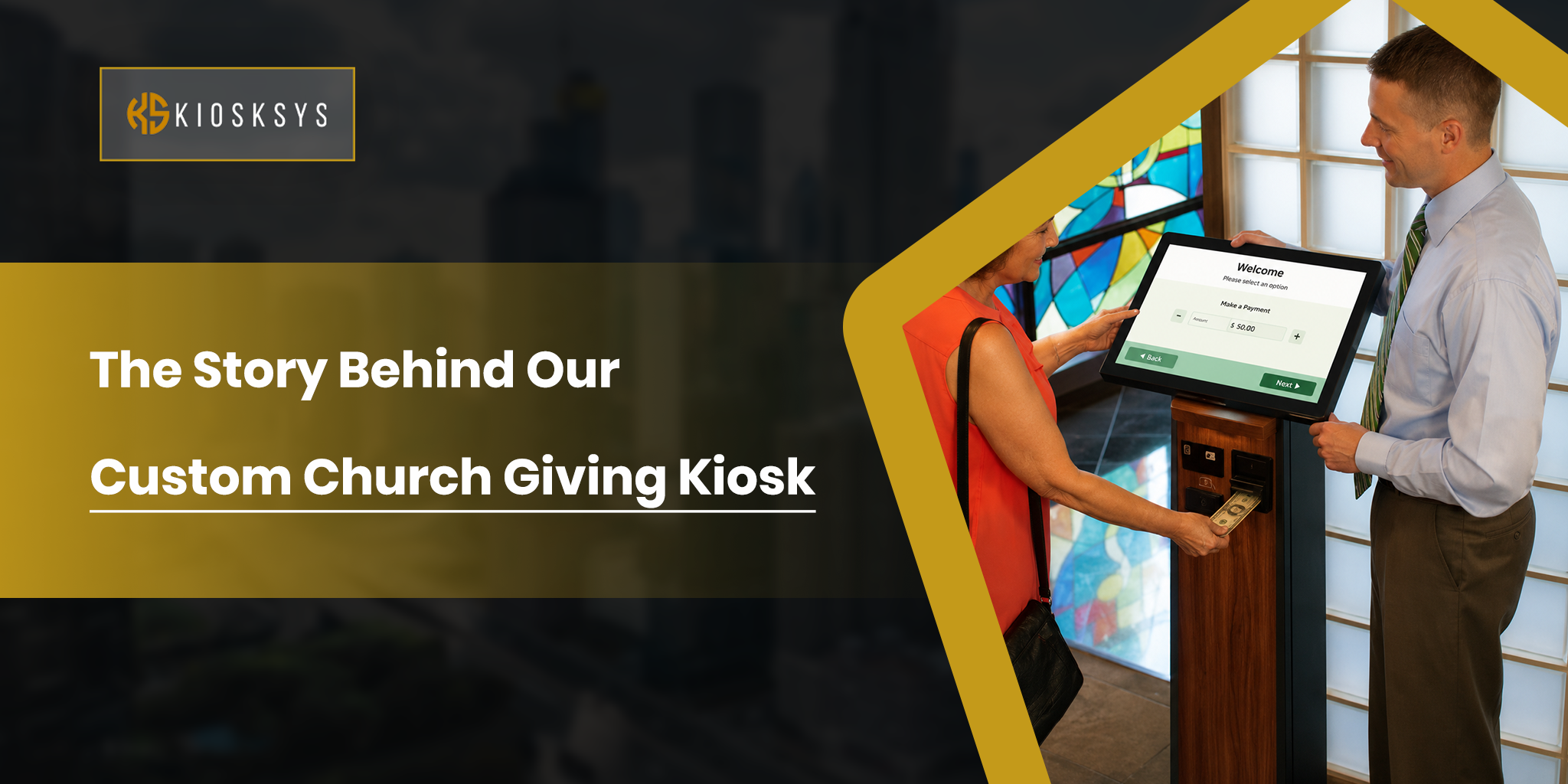
Self service kiosks are one of the clearest examples of multi-touch technology in action. Restaurants, airports, retail stores, hospitals, and ticketing systems all rely on touch-driven interfaces because they reduce waiting times, speed up transactions, and give users more control.
In this case, the software has to be especially precise. A kiosk cannot afford confusing menus or missed touches. The flow should feel obvious, the buttons should be large enough for quick input, and the entire journey should move smoothly from selection to payment or confirmation.
What are the Benefits of Multi Touch Screen Software?
There are many benefits for businesses and individuals to use multi-touch screen software. Although this may seem like a small change in how people interact with a screen, it has a significant impact on usability and efficiency.
Intuitive User Experience
Multi touch feels natural because it matches the way people already use their hands. A pinch to zoom motion makes sense without explanation. A swipe feels faster than finding a menu. This is why touch interfaces often feel easier for first time users.
Better Collaboration
When multiple touch points can be used at once, more than one person can work on the same screen. This is especially useful in classrooms, creative sessions, and meetings where ideas need to move quickly and everyone should be able to contribute.
Improved Data Analysis and Control
On business systems, multi touch software can make complex dashboards and control panels easier to manage. Users can zoom into charts, filter data, move between screens, and manipulate objects directly instead of relying on a long chain of mouse clicks. That can speed up decision making and reduce friction.
Interactive Engagement
Touch screens naturally invite people to explore. That is why they work so well in retail, education, signage, and kiosks. When users feel like they are controlling the experience directly, engagement usually goes up.
Enhanced Accessibility
Accessibility is a major part of good touch design. W3C recommends that content should not depend only on multi point or path based gestures because some users cannot perform them comfortably or at all. That means good multi touch software should always offer alternatives such as taps, clicks, long press actions, or other simple controls.
Conclusion
Multi touch screen solutions is not just about making a screen respond to fingers. It is about building a better interaction layer between people and digital systems. When it is designed well, it makes apps faster, clearer, and much easier to use. When it is designed badly, even the most advanced hardware can feel frustrating.
The real strength of multi touch software is its flexibility. It works in collaborative panels, retail displays, kiosks, and signage systems because it can adapt to different use cases without losing the natural feel that users expect. As touch based experiences keep growing across industries, the software behind them will matter just as much as the screen itself.
Frequently Asked Questions
Which technology is best for multi touch?
Projected capacitive is usually the best choice for modern apps because it supports fast and accurate multi touch interaction.
Where is multi touch software used?
It is commonly used in interactive panels, digital signage, self service kiosks, tablets, smartphones, and control systems.
Is multi touch important for accessibility?
Yes. Users should always have alternative ways to complete actions because some multipoint gestures can be difficult for people with mobility limitations.