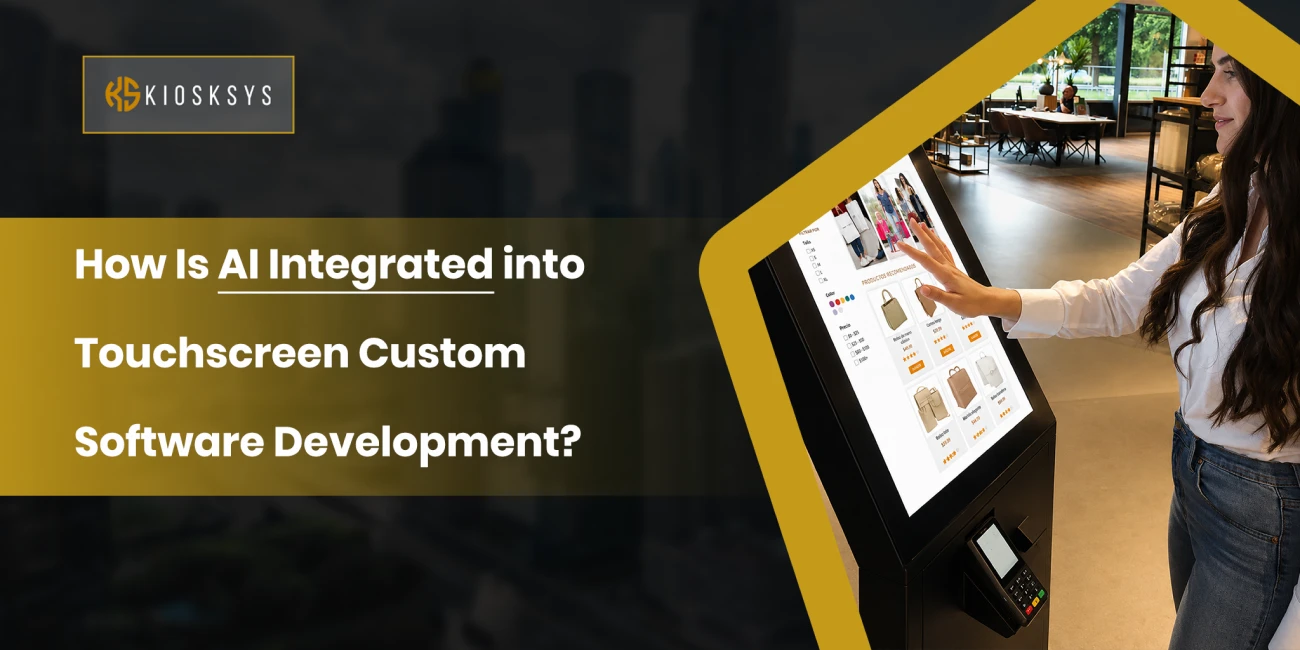
Understanding Touchscreen Custom Software Development
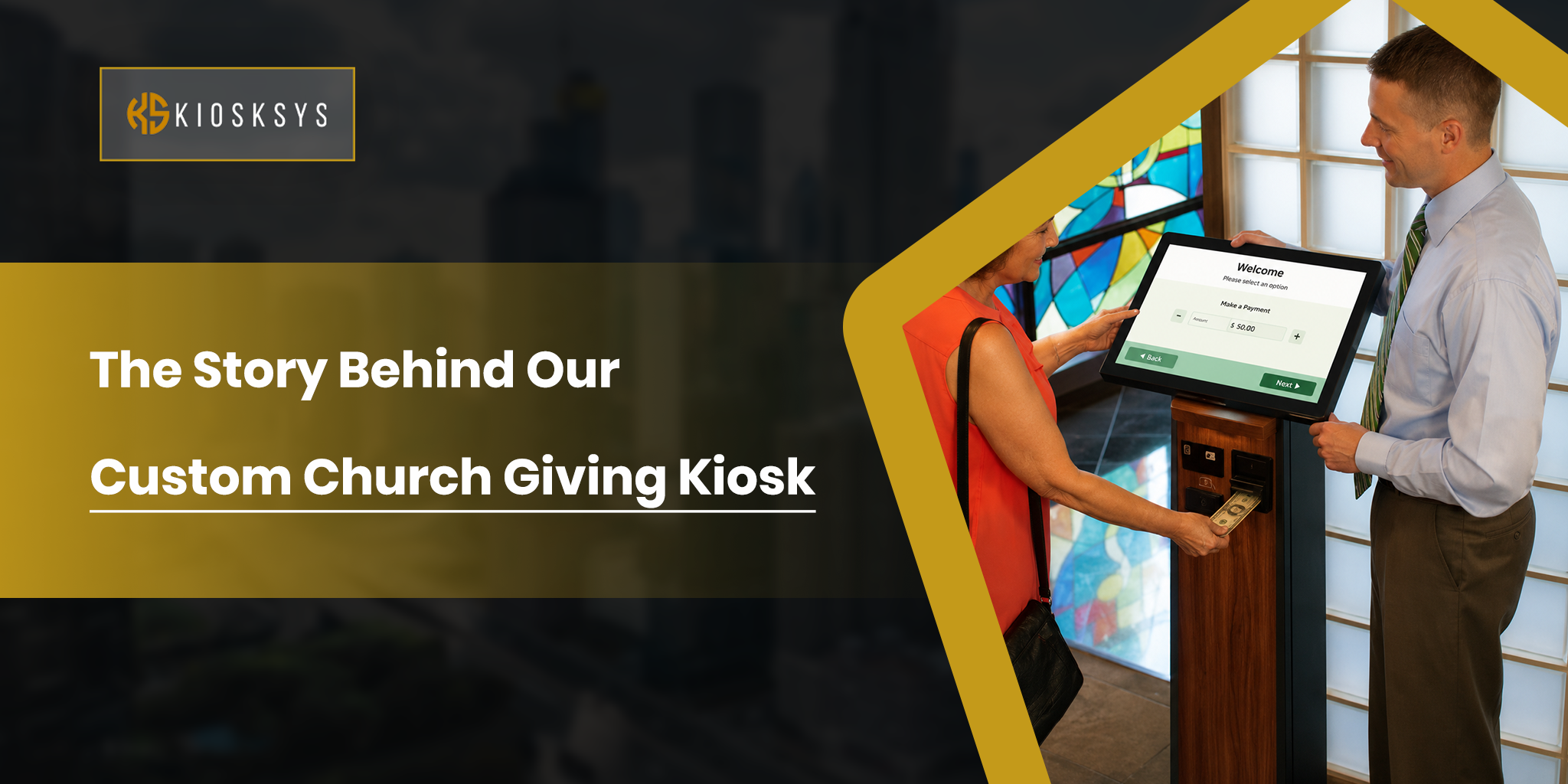
Touchscreen custom software development is the process of building software specifically for touch based devices and the particular needs of a business. Unlike software built for a keyboard and mouse, everything here has to be designed around direct physical interaction. Buttons, menus, navigation flow, layout, all of it has to work intuitively when someone’s poking it with their finger rather than clicking with a mouse.
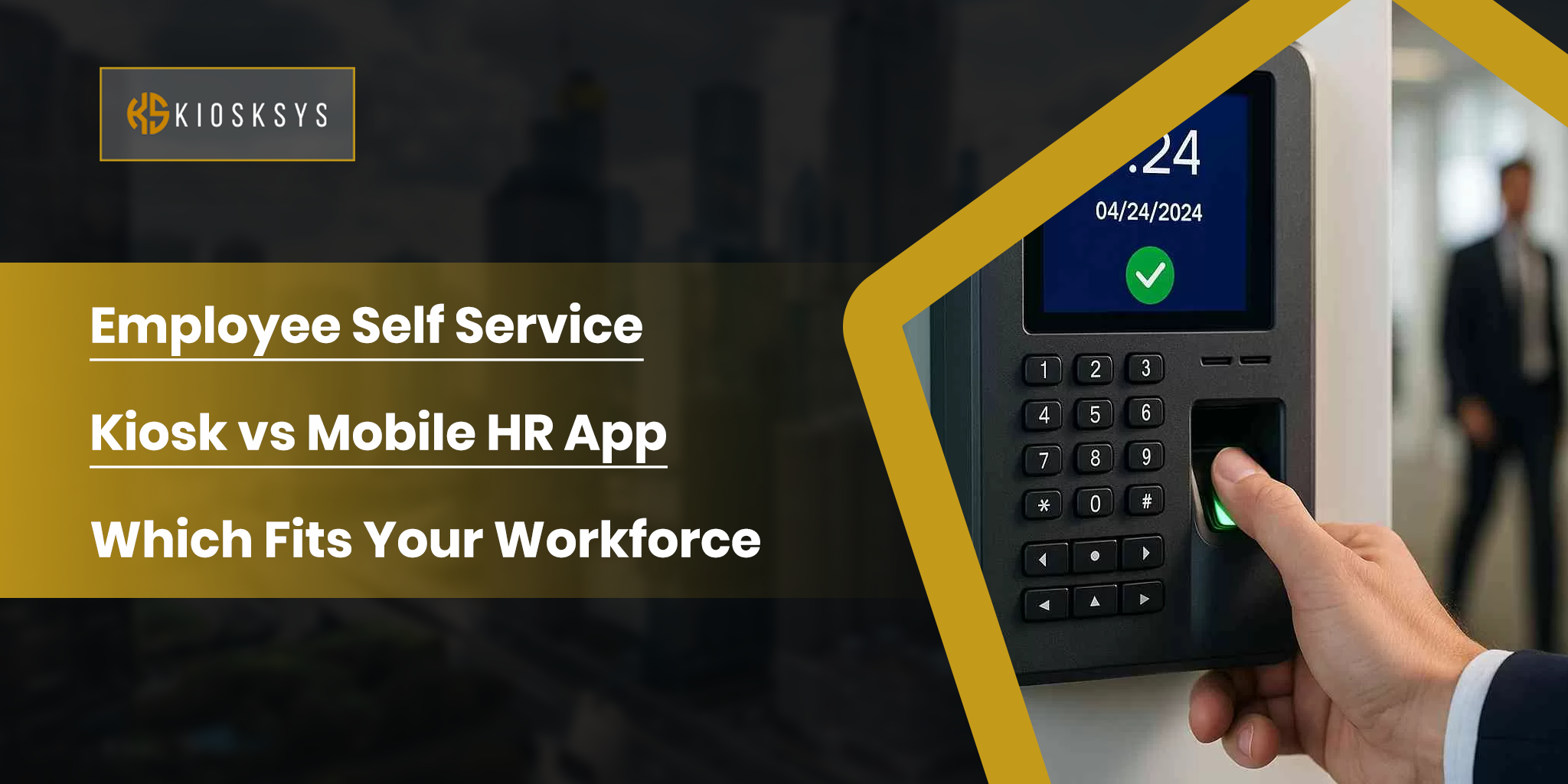
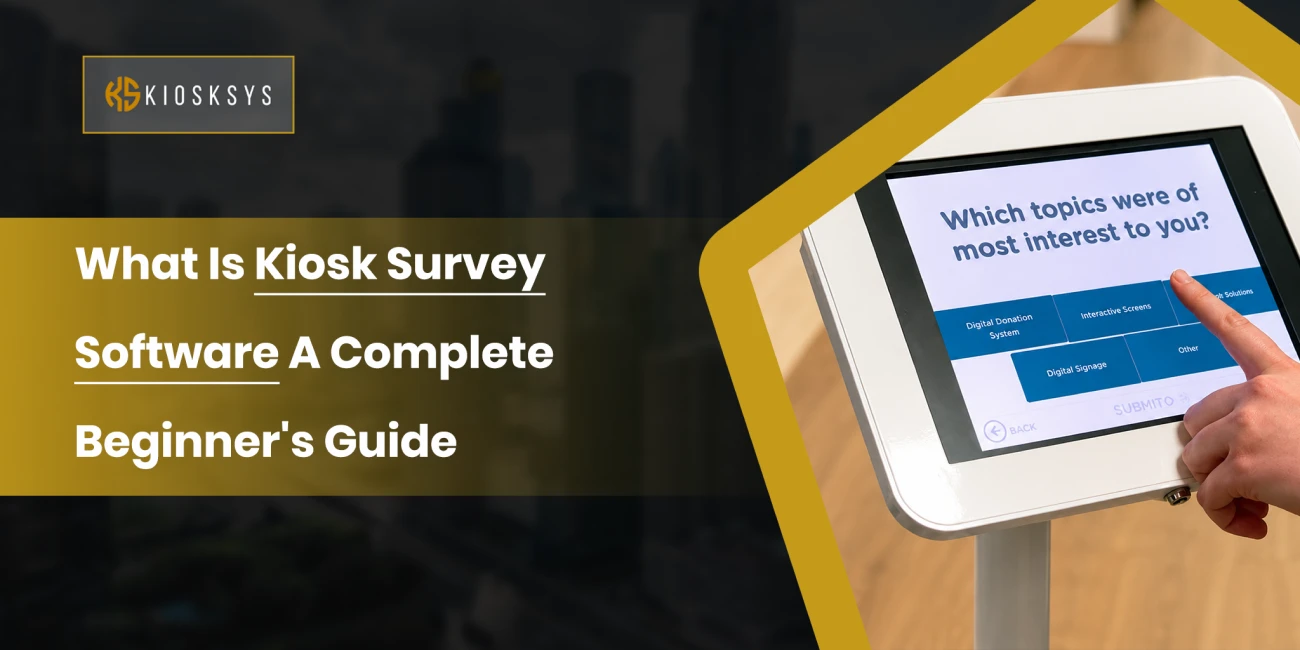
This kind of software shows up in retail kiosks, self ordering systems, healthcare terminals, digital signage, industrial control panels, hotel check in stations, vending machines, and transportation ticketing systems. Because every business runs differently, a lot of organisations go custom rather than picking something off the shelf, since custom software can actually match how their specific operation works rather than forcing the operation to adapt to generic software.
Add AI into that mix, and the software stops being static. It starts adapting and improving as it goes.
What is the Role of AI in Touchscreen Apps?
What AI really does here is shift touchscreen software from reactive to proactive. A traditional touchscreen app just waits for input and responds. An AI powered one is actively analysing behaviour, picking up on preferences, predicting what someone’s likely to want next, and automating decisions that used to require a person.
A restaurant kiosk recommending menu items based on what you’ve ordered before and what pairs well together is a simple example. A healthcare terminal pointing a patient toward relevant services based on their appointment history is another. A smart ATM noticing an unusual transaction pattern and triggering extra verification is yet another.
Instead of treating every person who walks up to the screen identically, AI lets the software respond to the actual person in front of it. The result tends to be faster interactions and a noticeably better experience, along with real operational gains on the business side.
What are the Core Technologies Behind AI Integration?
Consider these core technologies as necessary components required for reliable AI integration in to touchscreens.
Machine Learning (ML)
Machine learning is really the backbone of most AI powered touchscreen systems. It works by analysing historical and live data to spot patterns and even make predictions based on them.
A retail kiosk, for instance, might learn that certain products tend to get purchased together and start surfacing those combinations at checkout. The system keeps refining its suggestions as more data comes in, which is exactly what makes machine learning valuable here. It doesn’t stay static; it actually gets better the more it’s used.
Computer Vision
Computer vision is what lets machines interpret visual input from cameras and sensors. In a touchscreen environment that opens up things like facial recognition, customer analytics, gesture detection, and security verification.
A smart kiosk might recognise a returning customer and pull up content relevant to them specifically. A self service terminal might use visual checks to catch fraudulent activity before it becomes a problem. It’s an extra layer of intelligence sitting on top of the basic touch interaction.
Natural Language Processing (NLP)
NLP gives software the ability to understand and respond to actual human language rather than forcing everyone through menus and buttons. Someone can talk to the system, ask it a question, and get a relevant answer back.
A hospital kiosk might answer a patient’s questions through a virtual assistant rather than making them search through static menus. A hotel check in terminal might walk a guest through the process conversationally. It makes the whole interaction feel a lot more natural, especially for people who aren’t particularly comfortable with technology.
Edge AI and Cloud AI
AI processing can happen right on the device itself or out on remote servers, and each approach has its own strengths.
Edge AI runs locally, which means faster responses and the ability to keep working even when the internet connection isn’t great. Cloud AI runs on remote infrastructure with much more computational muscle behind it, which is useful for heavier models and larger datasets. A lot of modern systems actually use both together, getting the speed benefits of edge processing where it matters and the power of cloud processing where that’s more useful.
Step by Step: How Is AI Integrated into Touchscreen Software?
In this part of our blog, we’ll explore exactly how to integrate artificial intelligence when you’re developing custom touchscreen solutions.
Requirement Analysis
Every solid AI project starts before any code gets written. The team needs to actually understand what problem they’re solving. What’s the user experience supposed to improve? What process should get automated? What decisions is AI actually meant to help with? What data do we even have to work with?
Skip this step, and you end up with an expensive feature that doesn’t really solve anything. The implementations that actually work are the ones built around a real business problem rather than added just because AI sounds impressive.
Data Collection
AI needs data to function, and in touchscreen applications, that data comes from user interactions, transaction history, sensor input, behavioural patterns, and whatever else is relevant to the specific use case.
A self ordering kiosk, for example, can collect information about what people select, how they browse, how often they buy, and whether transactions actually get completed. The quality of that data has a direct relationship to how well the AI ends up performing. Poor data leads to poor results, no matter how sophisticated the model is.
Model Development
Once there’s enough data, the actual model building starts. These models learn from historical patterns to support predictions, recommendations, or automated decisions.
A recommendation engine might pick up on which products tend to get bought together. A predictive maintenance system might learn the early signs that precede equipment failure. None of this happens in one pass, either. Models typically need several rounds of refinement before they’re reliable enough to actually deploy.
UI and UX Integration
This is where a lot of AI projects quietly go wrong. Teams get so focused on the technology that they forget the actual interface still needs to feel good to use. A brilliant AI system means nothing if people struggle to interact with it.
Recommendations need to feel natural rather than forced. Alerts need to show up at the right time, not constantly. Suggestions should feel genuinely helpful, not pushy. Done well, the AI works quietly in the background, improving the experience without making itself the centre of attention.
API and System Integration
AI models pretty much never work in isolation. They need to talk to databases, payment systems, inventory platforms, CRM software, and various other business systems, and APIs are what make that connection possible.
A retail kiosk’s recommendation engine might need to check inventory before suggesting a product. A healthcare terminal might need to pull patient records from an electronic medical record system. Getting these integrations right is what determines whether the AI actually functions smoothly within the rest of the business’s technology or just sits there disconnected from everything that matters.
Testing and Optimization
Before anything goes live, there’s a serious testing phase covering both usability and raw performance. Usability testing looks at how easily people actually interact with the AI features. Performance testing checks whether the system holds up under real conditions rather than just in a clean lab environment.
And the work doesn’t stop once it’s deployed either. As user behaviour shifts and more data comes in, the models need ongoing adjustment to stay accurate and useful.
Real World Applications
This isn’t theoretical at this point. Retail kiosks are already giving personalised product suggestions based on what customers actually like and buy. Healthcare touch panels are helping staff pull up patient information quickly, cutting down on administrative time.
Smart ATMs are using behavioural analysis to catch fraud while still offering a personalised banking experience. Industrial control systems are analysing equipment data and flagging maintenance needs before something actually breaks. Hotel check in kiosks are verifying identities and guiding guests through a smoother, more personalised process.
These aren’t edge cases anymore. This is just where the technology has landed.
What are the Benefits of AI Integration in Touchscreen Software?
The advantages tend to show up pretty consistently across businesses that do this well.
- Interactions get faster because the system anticipates what’s coming next.
- Experiences feel more personal because the content adapts to the individual rather than treating everyone the same.
- Errors drop because automated decisions reduce how much relies on manual processes.
- Efficiency improves because repetitive tasks stop needing a person to handle them.
- Real time analytics generated along the way give managers genuinely useful insight into what’s actually happening.
When businesses have the will to go for AI based custom software for their touchscreen solutions, they only invite growth.
What are the Challenges in Custom AI Integration?
Although it sounds amazing with its capabilities, this type of software is not without its difficulties.
- Data privacy and security are real concerns, especially when sensitive customer or patient information is involved.
- Development gets noticeably more complex too, since AI requires specialised skills and ongoing maintenance that a standard software project might not.
- Older hardware can also struggle to keep up, particularly if the touchscreen devices in use are a few generations behind.
- Latency becomes an issue if the AI is leaning heavily on cloud connectivity and that connection isn’t reliable.
- And the models themselves need continuous monitoring and retraining, since accuracy tends to drift over time without that upkeep.
None of this is a reason to avoid AI, but it does mean going in with realistic expectations about the ongoing commitment involved.
What are the Best Practices for Successful Implementation?
The businesses that get the most out of this tend to follow a similar pattern. They start with a clearly defined use case and goals they can actually measure, rather than adding AI because it’s trendy. They focus on solving a real problem first.
They build their architecture to scale rather than boxing themselves into something that can’t grow. They keep user experience front and centre throughout, because at the end of the day people care more about whether something is easy and useful than about the technology running underneath it. They take security seriously from the start rather than treating it as an afterthought.
And they treat AI as something that keeps evolving rather than a one time build. Ongoing monitoring, retraining, and refinement are what keep the system delivering value well after launch.
Conclusion
AI is genuinely reshaping AI custom software development, turning what used to be static interfaces into systems that adapt and improve based on real usage.
Getting there does require careful planning, strong security, and a willingness to keep refining the system after launch. But for businesses willing to put in that work, the payoff tends to be full of benefits, and as this technology keeps maturing, the gap between businesses using it well and those still relying on static screens is only going to grow.
Frequently Asked Questions
What is the best development methodology for IoT projects?
Agile. It lets your hardware and software tracks develop in parallel, surfaces problems early, and produces something testable at the end of every sprint.
How many stages does an Agile IoT release typically involve?
Most structured releases move through eight to ten phases, from initial validations through to go-to-market. The key is treating them as overlapping phases within your sprints, not rigid sequential steps.
What is a digital twin, and do I actually need one?
A virtual replica of your physical device used for testing and simulation. If your product is more complex than a basic sensor, it is worth building. It lets you run scenarios that would be expensive or risky on real hardware.
What is the difference between a framework and a methodology in IoT development?
A methodology like Agile defines how your team works. A framework defines what you build and in what order. You need both. One without the other leaves either your process or your product structure undefined.
When should you start thinking about IoT security in the development process?
From day one. Security bolted on at the end is one of the most common and costly mistakes in connected hardware. Device authentication, encrypted communication, and firmware update security need to be designed in from the inception stage, not patched in before launch.