What Is a QR Code Kiosk and How Does It Work?
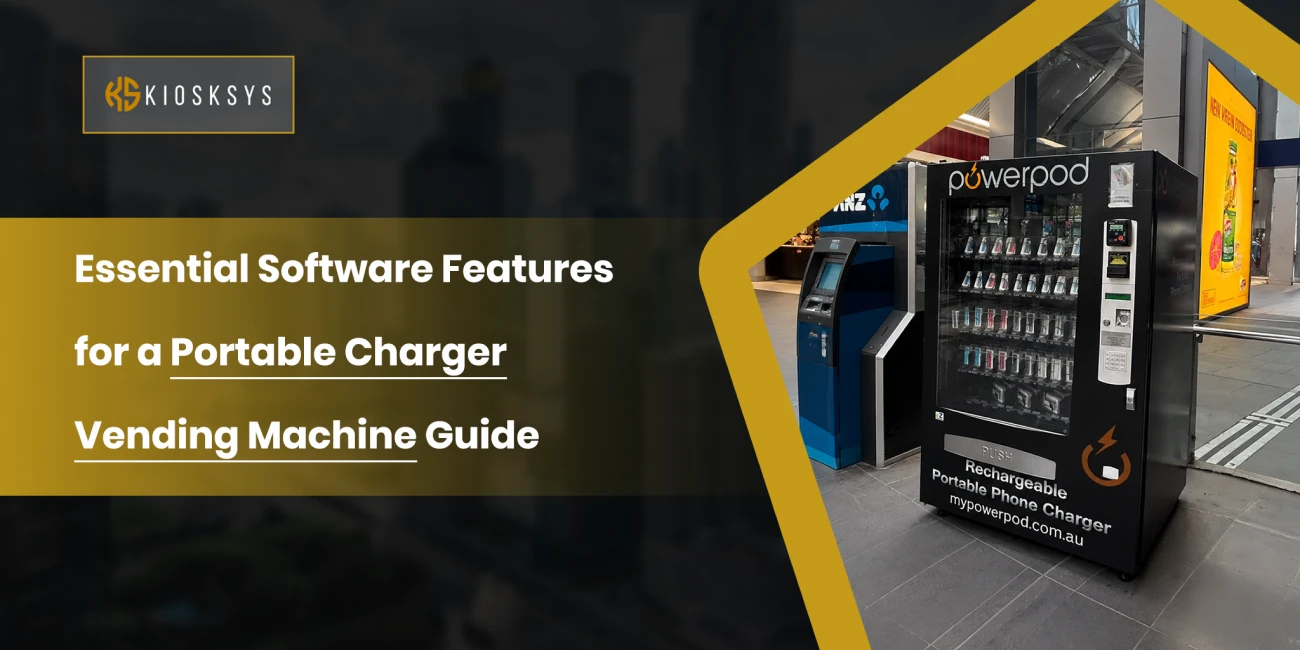
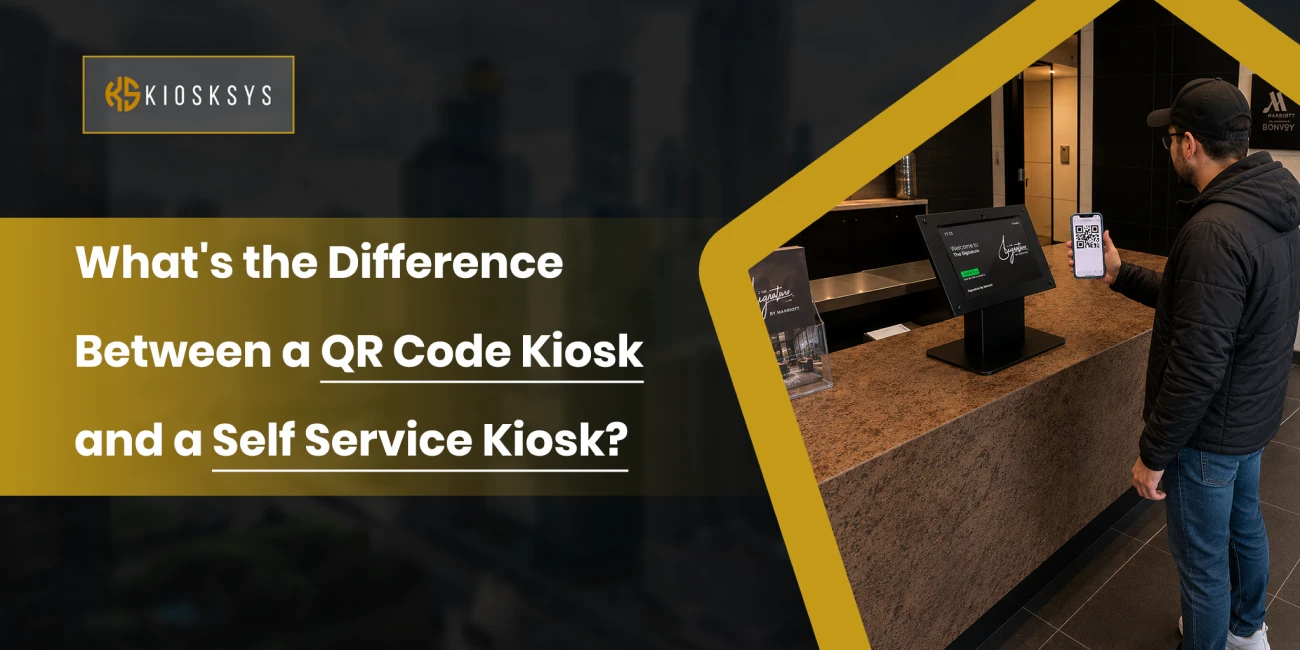
A kiosk that works with a QR code is a physical display, stand, or screen showing a code that customers scan with their own phone. Rather than touching a screen, the customer scans the code, and the whole experience continues on their own device from that point forward.
The kiosk itself usually has very little going on hardware wise. Often it’s just a branded stand, a poster, a countertop display, or a small digital screen showing the code, which links out to a website, a web app, a payment page, a digital form, or some other mobile experience.
The journey is pretty simple. Someone scans the code with their camera, the link opens instantly, and from there they can browse, pay, register, order, or do whatever the business has set up. No touching anything shared, no waiting for hardware to respond.
This setup has caught on because it pairs convenience with genuine simplicity.
A few things tend to define a scan to order kiosk or QR based self service point:
- Contactless interactions
- Mobile first experience
- Minimal hardware requirements
- Easy content updates without replacing physical equipment
Businesses can change the linked page or app whenever they want without touching the printed code itself, which makes this kind of contactless kiosk genuinely cheap and flexible to maintain.
What are some Common uses for QR Code Based Kiosks?
You’ll typically see these kiosks used for:
- Event check in
- Digital restaurant menus
- Mobile payments
- Product information pages
- Lead generation campaigns
- Visitor registration
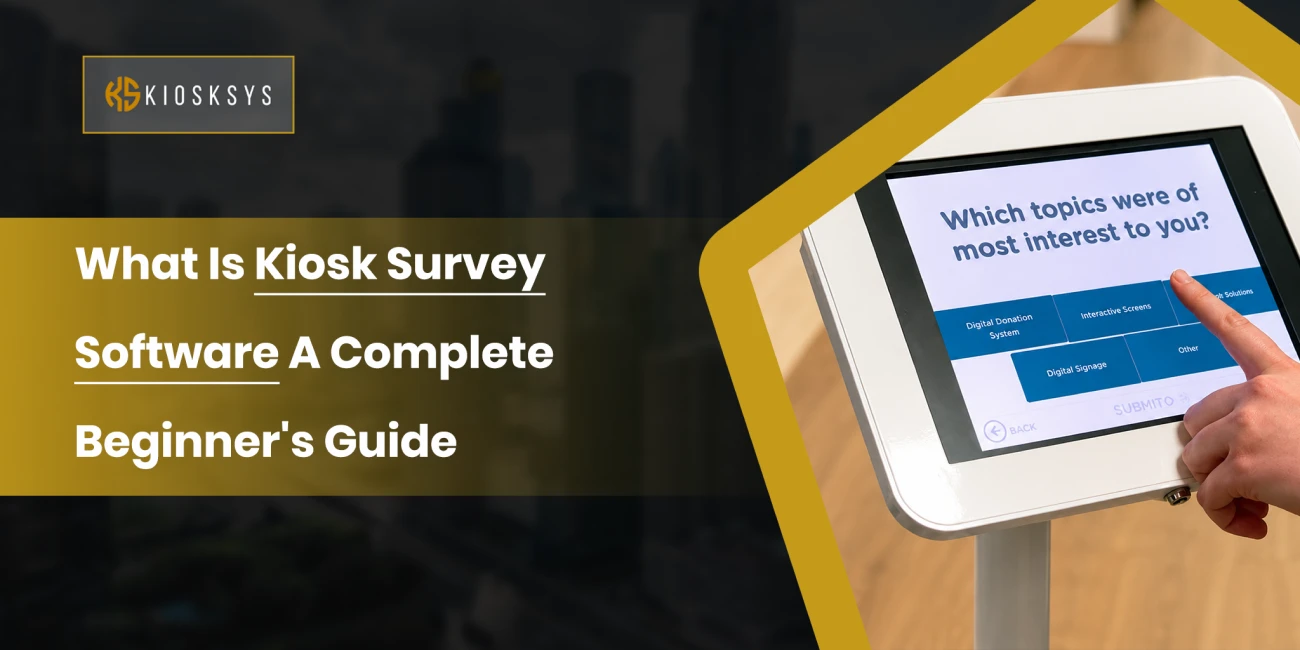
- Customer feedback forms
They work especially well when the task is relatively simple and people are already carrying the device needed to complete it.
What Is a Self Service Kiosk and How Does It Work?
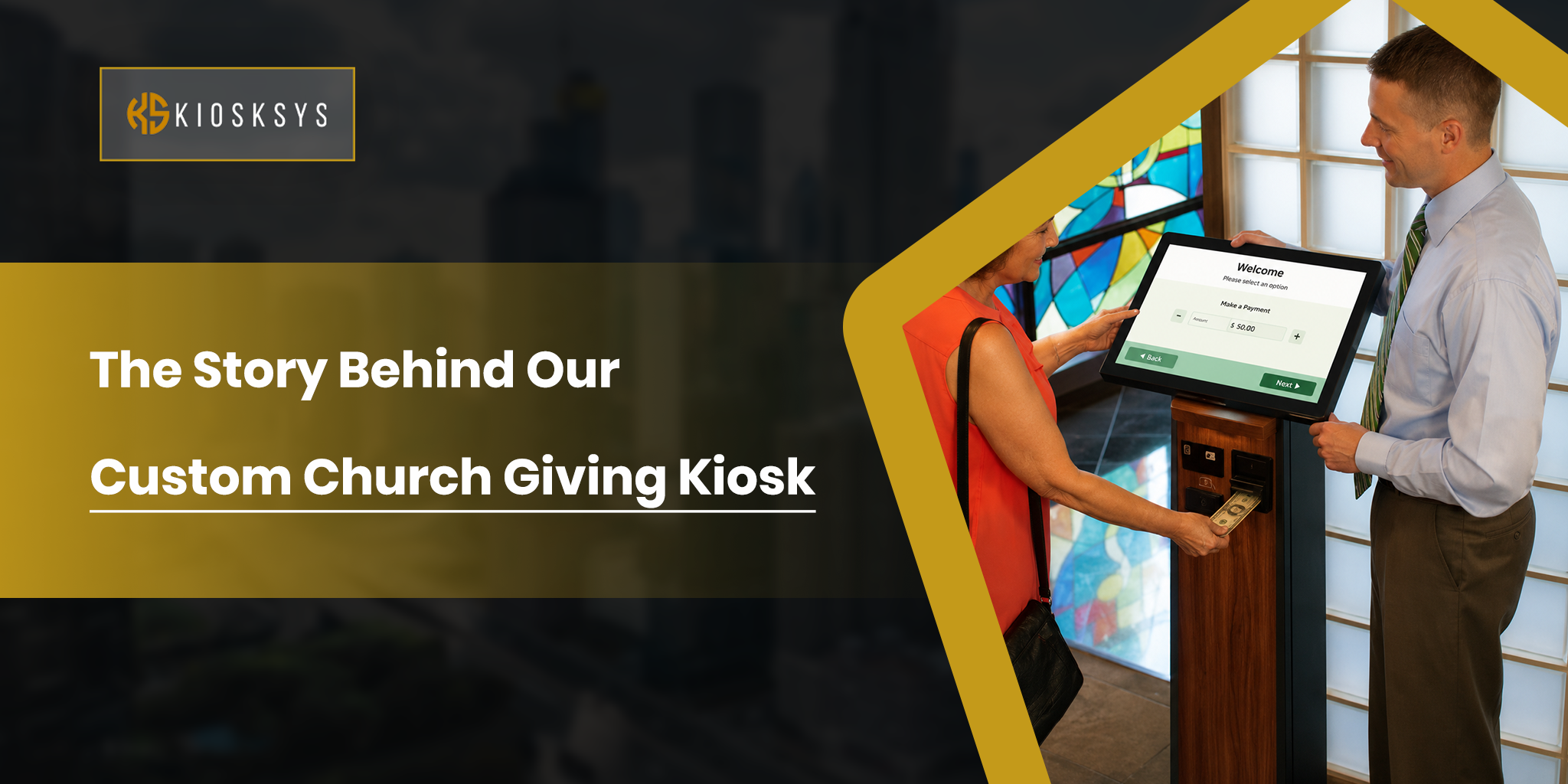
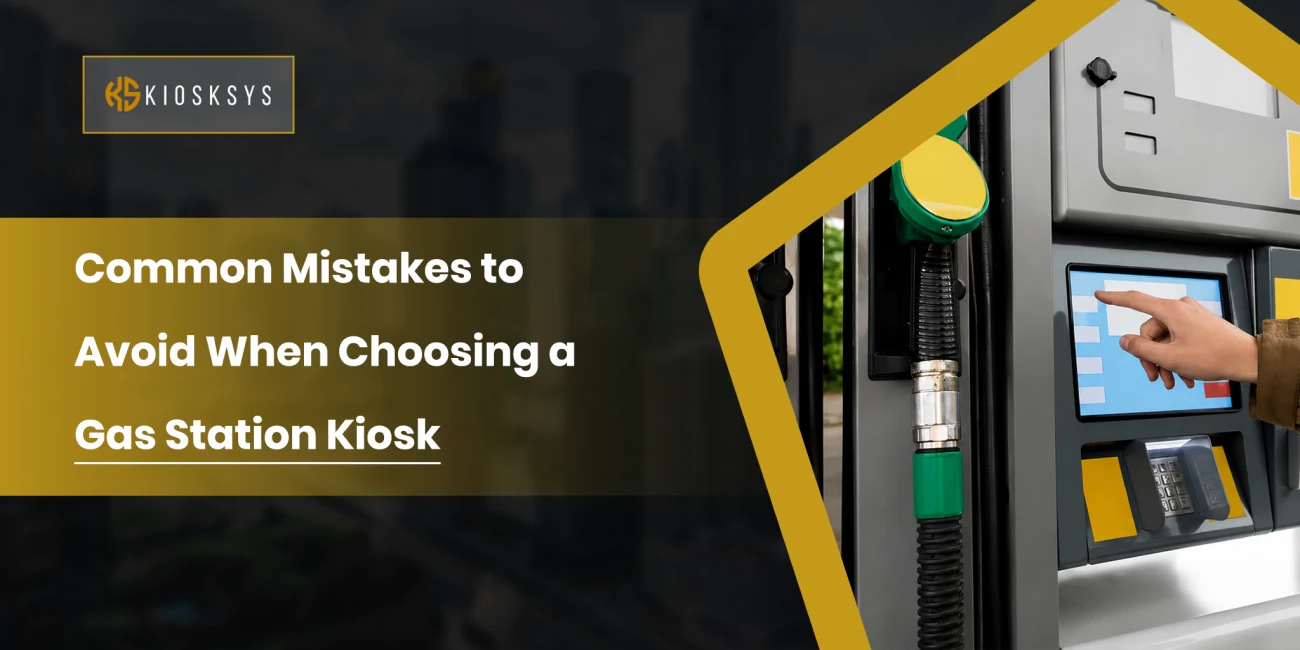
A self ordering kiosk is a dedicated interactive terminal where customers complete the whole task on the kiosk itself. Unlike a QR setup, nobody needs to pull out their own phone because everything runs through the kiosk’s touchscreen and built in hardware.
These touchscreen kiosk systems are basically specialised computers built for public use. Depending on what the business needs, they might include barcode scanners, receipt printers, payment terminals, ID scanners, cameras, card readers, or even passport scanners.
The customer walks up, follows what’s on screen, and completes the process without needing anyone to help. Because everything required is built into the one device, an interactive self service terminal can handle far more complex transactions.
What are some Common uses for self service kiosks?
You’ll mainly observe that these kiosks used for:
- Restaurant self ordering
- Movie and train ticket purchases
- Hotel check in
- Airport check in
- Retail product lookup
- Hospital patient registration
- Government services
- Banking applications
These terminals are built to walk people through multi step processes with a bigger, easier interface than a phone screen could ever offer.
QR Code Kiosk vs. Self Service Kiosk: Key Differences
Both solutions improve convenience, but the mechanics behind them are genuinely different.
Feature | QR Code Kiosk | Self Service Kiosk |
Customer device | Personal smartphone | Built in touchscreen |
Hardware | Minimal | Full interactive terminal |
Cost | Lower | Higher |
User interaction | Mobile based | Kiosk based |
Deployment | Quick | Longer installation |
Maintenance | Minimal | Requires hardware maintenance |
Best for | Simple interactions | Complex transactions |
Peripherals | None | Printers, scanners, payment terminals and more |
Accessibility | Depends on customer’s phone | Available for anyone using the kiosk |
The biggest difference really comes down to where the interaction actually happens. A QR kiosk pushes everything onto the customer’s own phone. A self service terminal keeps the whole experience contained within the device itself.
What Are the Pros and Cons of a QR Code Kiosk?
Like any technology, this approach has clear strengths and equally clear limits.
Advantages
- Cost is probably the biggest reason businesses go this route. With little to no expensive hardware involved, getting a QR based system up and running costs significantly less than a full touchscreen install.
- Scalability is another strong point. A business can place codes in dozens of locations without buying dozens of electronic terminals to match.
- The contactless nature is genuinely appealing to a lot of customers too. Using your own phone from start to finish feels familiar and comfortable in a way that interacting with shared public hardware sometimes doesn’t.
- Rollout is also fast. Once the digital experience is built, the business just needs to print or display the code; nothing more elaborate than that.
- Updates are equally painless. Change the linked page and the update is live instantly, no swapping hardware or manually pushing new software to a device.
- And because there’s so little physical equipment, ongoing maintenance tends to be minimal.
Limitations
It’s not perfect for every scenario though.
- The obvious limitation is that the customer needs a smartphone capable of scanning. Most people have one these days, but not absolutely everyone does.
- A working internet connection is also required. If the signal is patchy or there’s no public WiFi nearby, the experience can quickly turn frustrating.
- Screen size is another factor. Completing a longer form or a more involved task on a phone screen isn’t always as comfortable as doing it on something bigger.
- And the business has less control over the experience overall, since screen brightness, browser quirks, and device differences are all outside their hands once the customer is on their own phone.
What Are the Pros and Cons of a Self Service Kiosk?
A dedicated kiosk offers a lot more capability, but it asks for a bigger investment in return.
Advantages
- A standalone interactive kiosk delivers a genuinely richer experience. The larger touchscreen makes browsing, filling out longer forms, comparing options, and moving through multiple steps feel a lot less cramped than doing the same thing on a phone.
- These setups also support far more complex workflows. Ordering food, printing a boarding pass, scanning a document, verifying identity, processing a secure payment, printing a receipt- all from one machine.
- Accessibility is another genuine plus. Customers don’t need to own a smartphone or download anything. Everything required is already built into the unit standing in front of them.
- The integrated hardware like printers, scanners, payment terminals, cameras, and card readers lets businesses automate services easily.
Limitations
- Cost is the obvious downside. Buying the hardware, installing it, configuring the software, and maintaining everything afterward requires a much bigger upfront investment than a QR based alternative.
- Because there’s real physical equipment involved, ongoing maintenance is more demanding too. Screens, printers, scanners, payment terminals… they all need servicing eventually.
- Setup also takes longer. Installing hardware, connecting power and networking, testing every peripheral, and confirming everything works reliably takes real time before a single customer can use it.
- And since people are physically touching the screen, businesses typically need to clean shared surfaces regularly, which matters more in high traffic public environments.
Which One Is Right for Your Business?
The right call depends less on the technology itself and more on the kind of experience you want customers to have.
If the task is just scanning a code or making a quick payment, a QR kiosk tends to be the simpler, cheaper option. If customers need to go through several steps, including things like:
- Verify documents,
- Print tickets,
- Order products,
- Use hardware like a card reader
Then, a full self ordering kiosk usually delivers a smoother result.
There’s no single right answer here because every business has different goals and a different customer base. The best fit is whichever option removes friction without piling on unnecessary complexity.
Can Businesses Use Both Together?
Absolutely, and a lot of organisations already do exactly this.
A hybrid setup lets customers pick whichever method suits them better in the moment. Someone who just needs basic information can scan a code and finish on their phone. Someone with a more involved task can head over to a nearby kiosk with the bigger screen and built in hardware.
This combination tends to work particularly well across a range of industries. Some examples are:
- Retail stores can use QR based codes for product information while still keeping self service kiosks available for purchases and returns.
- Hospitals can let patients fill out pre registration forms on their own phone ahead of time. Once they get to the site, they can use a kiosk for identity verification and appointment check in.
- Airports often offer codes for mobile boarding passes while keeping kiosks around for passport scanning and full check in.
- Universities can lean on QR based codes for campus maps and event sign ups while keeping kiosks for student services and admin tasks.
- Museums can place codes based on QRs beside exhibits for extra content while using interactive kiosks for ticket purchases and visitor info.
Rather than competing with each other, these two approaches end up complementing each other surprisingly well.
What Are the Key Factors to Consider Before Choosing Between the Two?
Before settling on one, it’s worth stepping back from the technology itself for a moment.
Evaluate
Now, think about how your customers actually prefer to interact with your business. If most visitors are already comfortable on their phones, a contactless kiosk solution will probably feel natural. If your audience includes people who aren’t particularly confident with mobile tech, a touchscreen terminal offers a more inclusive option.
Budget
QR setups generally need far less investment, while self service terminals come with other components. This is often hardware and ongoing maintenance costs attached.
Space
A QR display fits almost anywhere, while a full kiosk needs dedicated floor space and room for people to actually use it comfortably.
Is the task quick or complex?
Think about how complicated each interaction really is. Quick tasks tend to work fine on a phone. Longer, more involved processes are usually easier on a bigger touchscreen.
Accessibility
It deserves a place in this conversation too. Whatever you choose, customers with different abilities need to be able to use it comfortably.
Maintenance resources
If your team has limited technical support, a simpler QR deployment is often easier to manage long term.
Compatibility and Integration
How does the solution connect with what you’re already running? As a business, your company already has existing payment platforms, inventory systems, and more. So, picking and integrating them fits smoothly into your existing tech stack.
Conclusion
QR based kiosks and self service kiosks both help businesses deliver faster, more convenient experiences, but they’re solving different problems at their core.
For a lot of businesses, the real answer isn’t picking one over the other. It’s finding the right balance between both. Match the technology to what your customers actually need and how complex the task is, and you end up with something that feels quicker and genuinely more convenient for everyone.